How to Make a Poster or Flyer With AI
A poster or flyer has one job: get a few facts in front of the right people fast. Use AI for visuals and editors for facts to ensure accuracy before printing.
A poster or flyer has one job: get a few facts in front of the right people fast. Use AI for visuals and editors for facts to ensure accuracy before printing.
Create black-and-white line art for kids or adults using specific AI tools. Master prompt engineering for clean outlines and learn commercial usage rights.
Instagram has launched Effect Builder, a free web tool that converts text descriptions into AI-powered story filters, aiming to bring back community-made effects with enhanced creator visibility.
This guide collects 50 copy and paste Midjourney prompts for photo-like images, grouped by category: portraits, products, food, interiors, landscapes, street scenes, animals, and macro shots. Every prompt describes a fictional subject, never a real person or a brand, and ends with parameters.
On Nov. 9, 2026, Disney named Adobe its Official AI Innovation Partner, agreeing to develop proprietary generative AI models tailored to Disney's characters and environments via Adobe Firefly Foundry.
Most AI image tools allow specific settings like seed, aspect ratio, and guidance to control output. This guide explains these parameters using Midjourney and Hugging Face Diffusers documentation to help you achieve consistent, high-quality results.
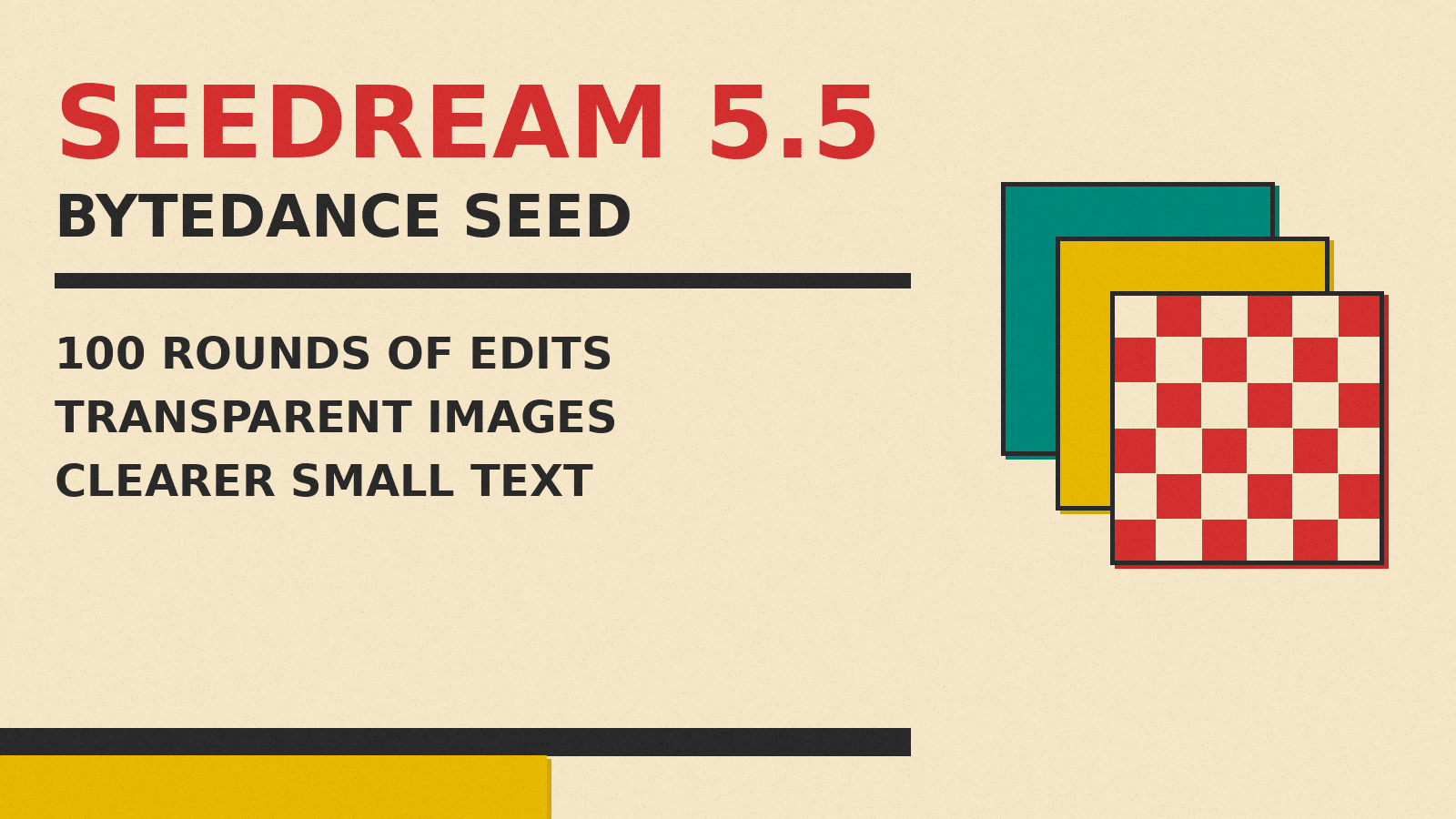
ByteDance's Seed team released Seedream 5.5 on November 9, 2026. It supports 100 rounds of editing while preserving unedited regions, generates images with transparent backgrounds natively, and reduces text corruption rates significantly.
AI generators make realistic fakes. Learn the 6-step routine to spot them: check context for fraud warnings, look for visual imperfections, read social app labels, and verify provenance with SynthID and Content Credentials.
This guide compares five tools: Gemini Storybook, Anifusion, LlamaGen, Comistitch and Canva. Every feature and price below comes from the tool's own pages, read in November 2026.
A comparison of eight AI logo generators for small business owners, evaluating file formats like SVG and PNG, free versus paid options, and commercial use rights to help you choose the best tool.
OpenAI's Images 2.6 launch introduces GPT-Image-2.6 with two new models, Flare and Sunburst, featuring complexity controls, markup-guided edits, SVG vector output, and animated GIF capabilities via the API.
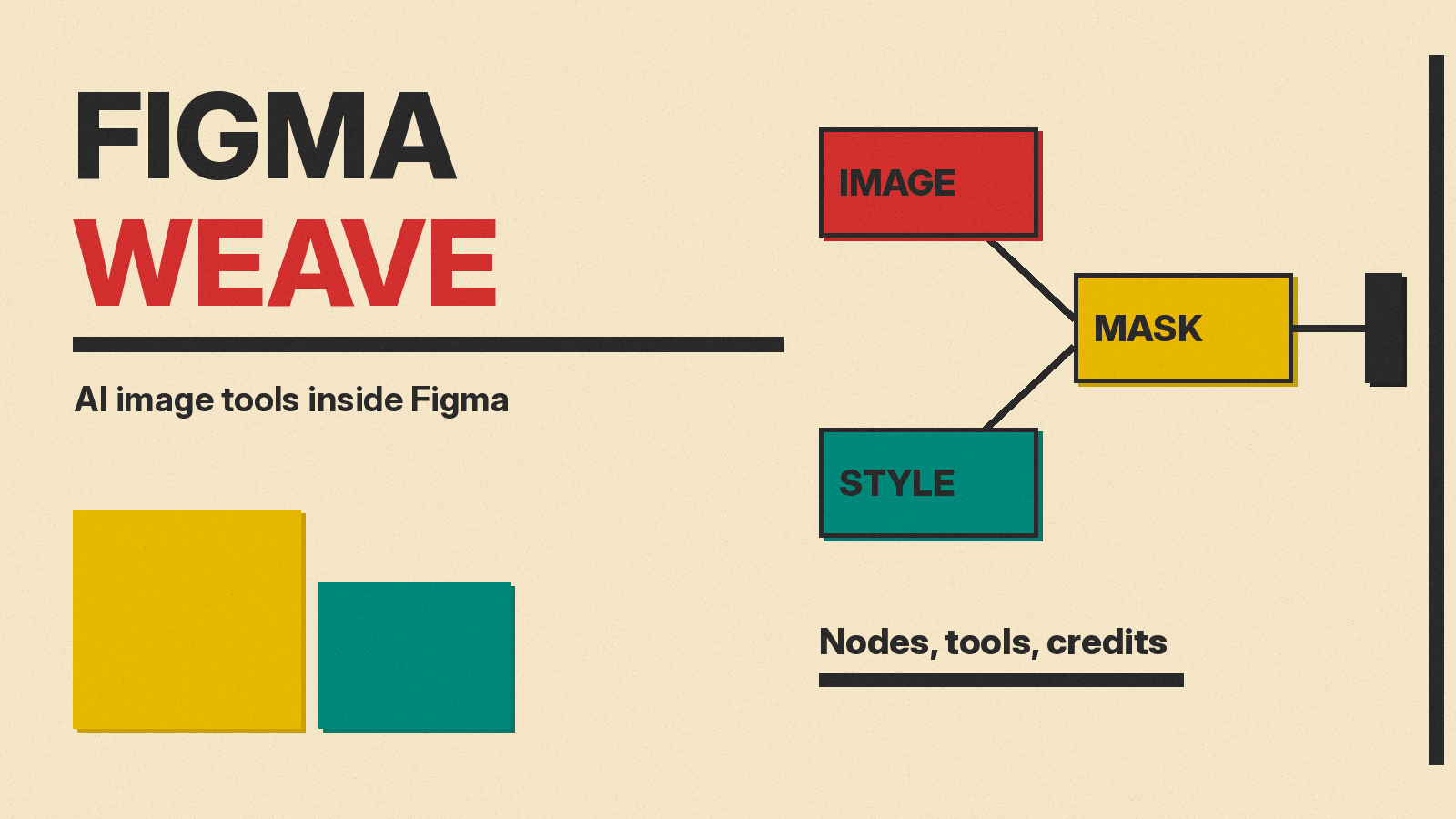
Figma Weave is an AI platform for generating and editing image, video, audio, and 3D assets. It operates as a standalone node-based canvas while offering specific 'Weave tools' directly inside Figma Design files, with distinct credit systems for each environment.
A guide to seven AI photo editors as of November 2026, detailing capabilities, vendor-specific limits, and pricing structures to help users choose the right tool.
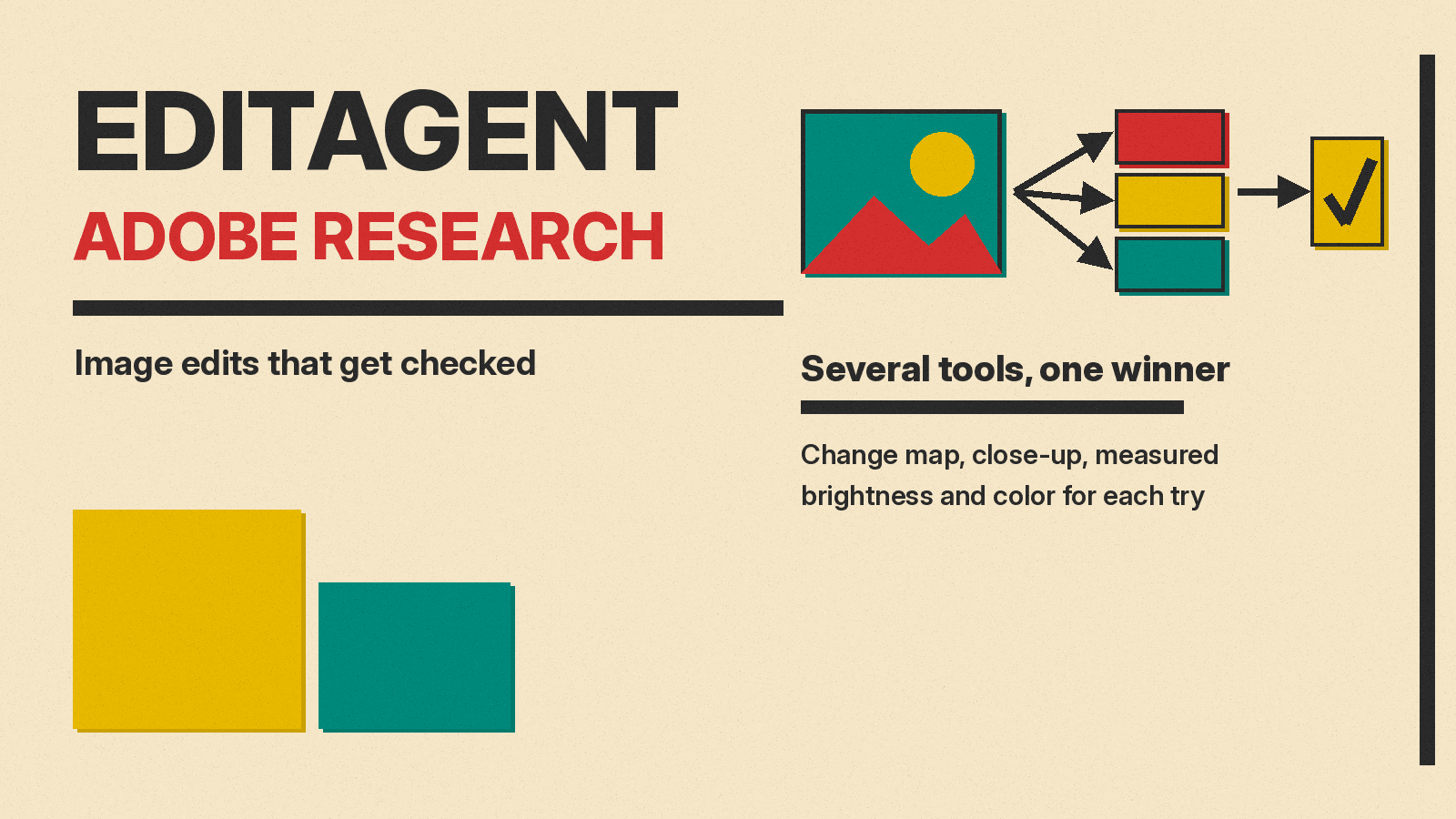
EditAgent by Adobe Research and UC San Diego combines multiple editing tools with LLM verification to solve common AI image editing failures, using parallel search over sequential refinement for better accuracy.
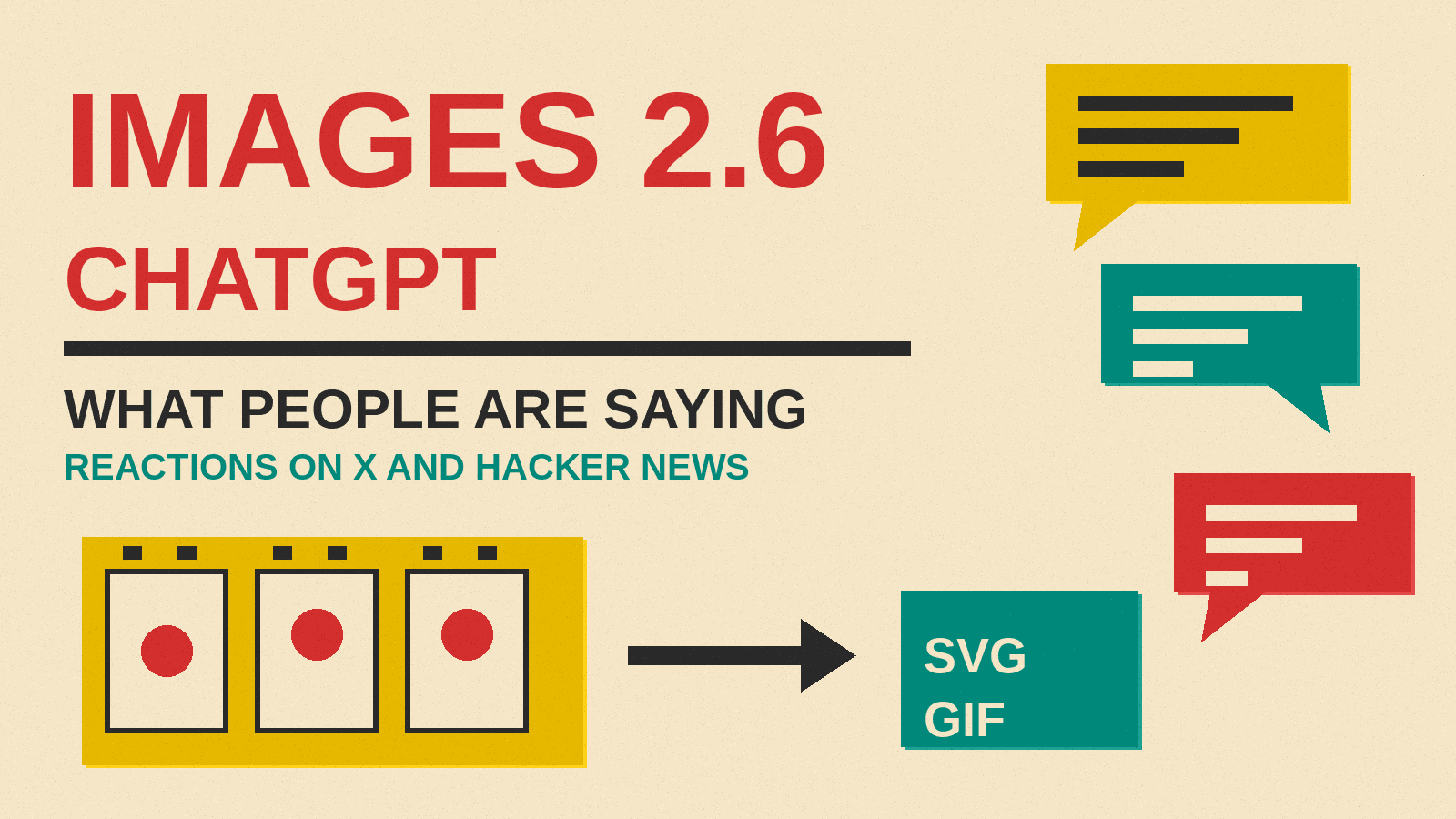
Community reactions to OpenAI's Images 2.6 reveal mixed feelings: while users praise new GIF and SVG features, others report higher costs at low/medium quality and persistent artifacting compared to version 2.5.
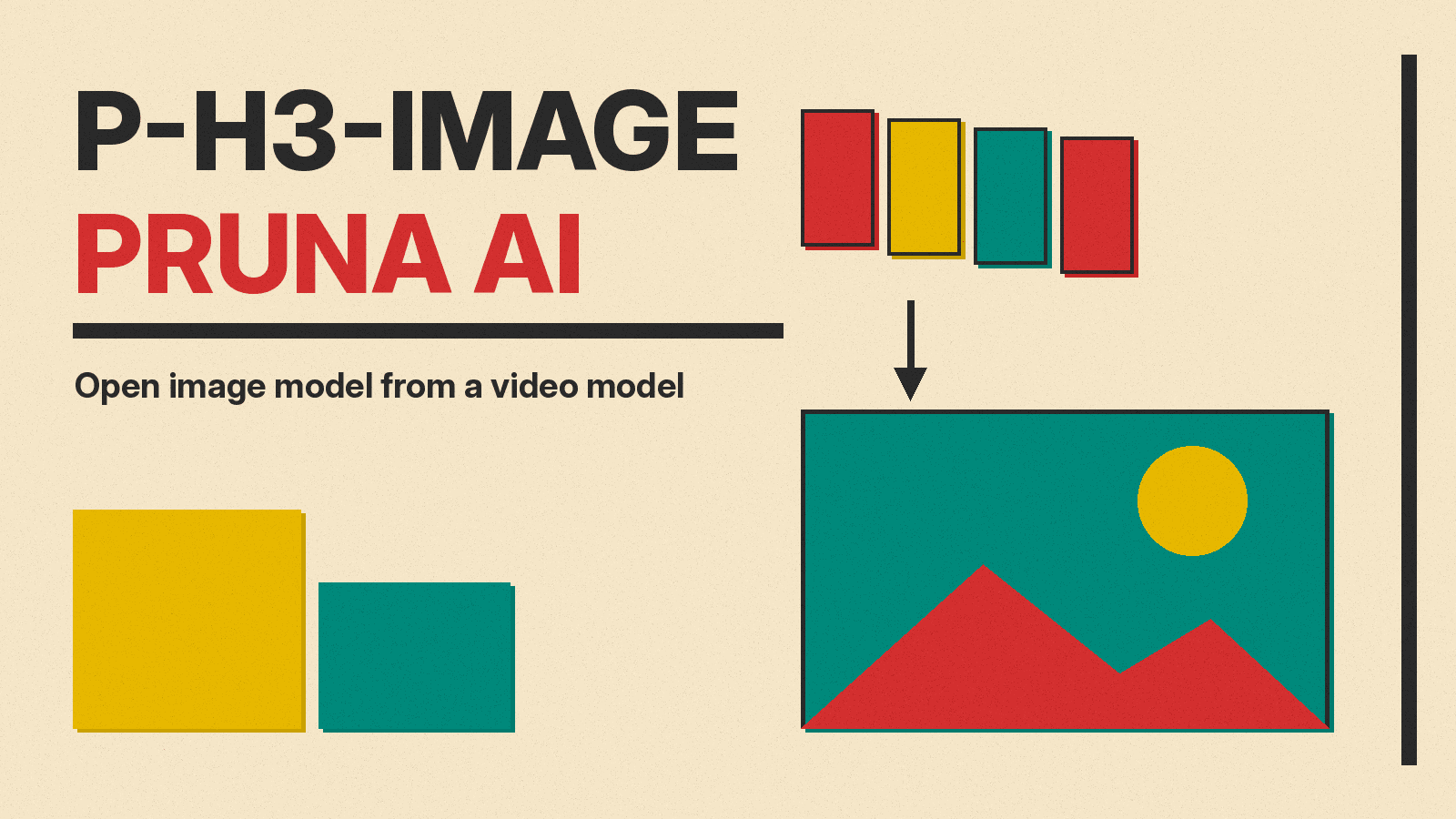
Pruna AI launched P-H3-Image, an open-weights text-to-image model derived from the MiniMax-H3 video model. It claims to be seven times smaller and five times faster than its predecessor.
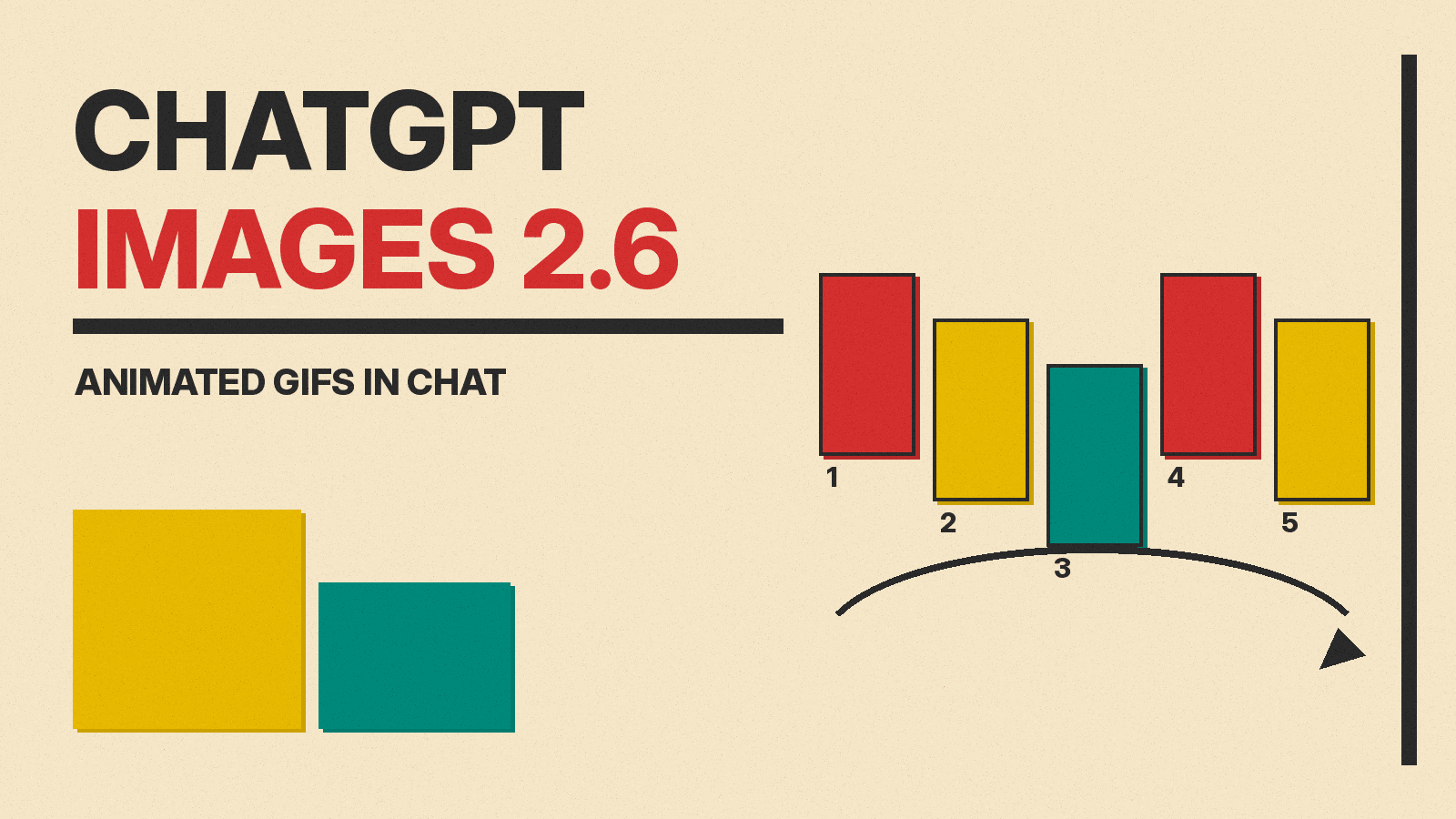
OpenAI released ChatGPT Images 2.6 on November 4, 2026, enabling users to generate and edit animated GIFs. The new model offers 50% faster generation and introduces frame-by-frame editing capabilities for precise control over animations.
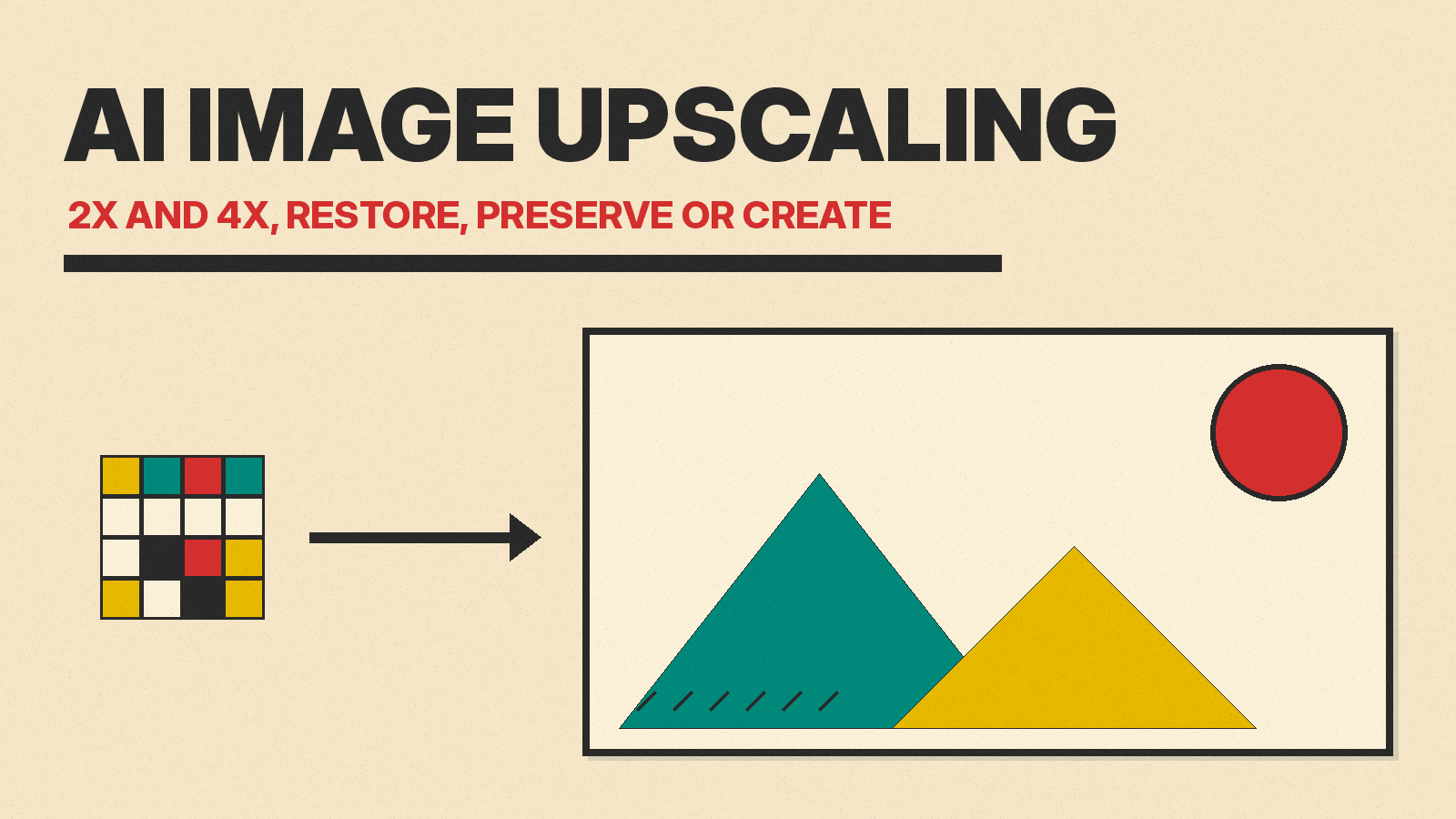
AI upscaling enlarges images by generating new detail rather than just stretching pixels. This guide explains the three main types of upscalers, including restoration, preservation, and creative models, and provides workflows for Photoshop and free open-source tools.
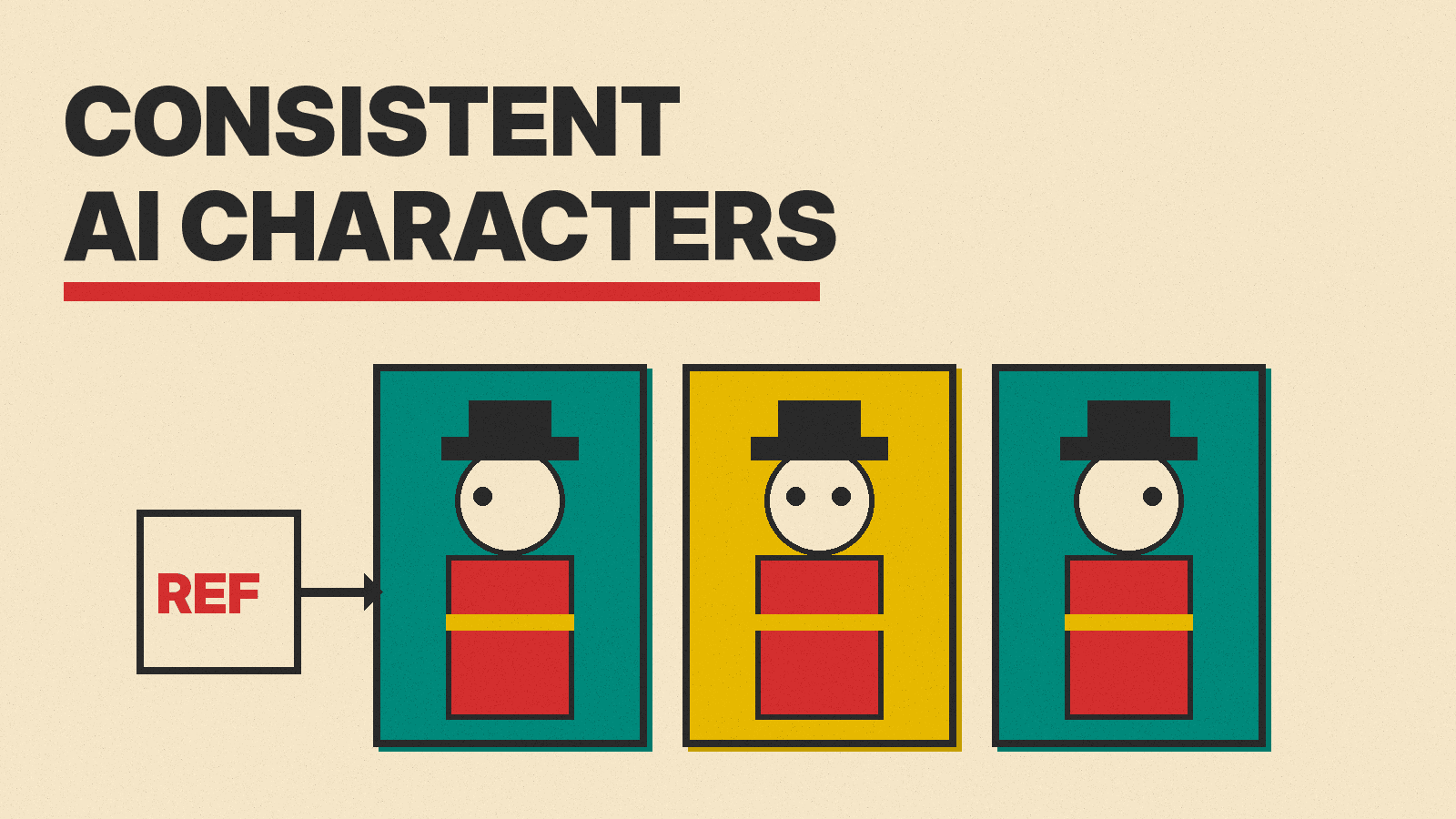
Discover how to stop character drift in AI art by using a fixed character bible, anchor images, and reference sheets across tools like Gemini, Midjourney, and ChatGPT.
Master three key AI photo edits: inpainting (change one part), outpainting (extend edges), and image-to-image (new scenes from references). Includes step-by-step workflows, mask tips, and ethical guidelines from Adobe and OpenAI documentation.