
You do not need to draw to make a comic anymore. A handful of AI tools now turn a written story into panels, speech bubbles and finished pages, and one of them builds a read-aloud picture book from a single sentence. The hard part is picking the right one, because they are built for different jobs: a bedtime story, a manga chapter, a webtoon series, or a single comic strip for a school project.
This guide compares five tools: Gemini Storybook, Anifusion, LlamaGen, Comistitch and Canva. Every feature and price below comes from the tool's own pages, read in November 2026. Plans change often, so check the linked page before you pay. If character consistency is your main worry, our guide to consistent characters in AI image generators covers the general techniques.
Comic maker or storybook maker?
The two words describe different products, and mixing them up wastes money.
- A comic or manga maker draws panels. You get several images per page, speech bubbles, and often a way to keep the same character looking the same from panel to panel.
- A storybook maker produces one illustration per page with a block of text, like a children's picture book. Pages are usually read in order and often read aloud.
Most of the tools below fit one of those two shapes. Canva is the odd one out: it is a layout tool, not a generator.
The tools
Gemini Storybook
Gemini Storybook is part of the Gemini app. You describe the story you want, optionally add photos, drawings or files, and Gemini builds a storybook with illustrations and read-aloud narration. Google's announcement describes a 10-page book, and its help page says storybooks usually run 10 to 12 pages and can take one to two minutes to create.
You can ask for a style such as pixel art, comics, claymation, crochet or coloring books. Google says it works in more than 45 languages, although narration is limited to certain languages. You cannot edit the text directly on a page. Instead you ask Gemini to change the story or the art, and it creates a new version with all new images. You can share a book by public link, print it from your browser, or save it as a PDF.
Two limits matter. Storybook is available to users 18 and older, so it is a tool for a parent or teacher to run, not a child on their own. And Google Workspace business and education accounts cannot share storybooks, so use a personal account if you want to send one to family.
Best for: a quick illustrated story, a personalized bedtime book from your own photos, or a classroom example you will read aloud.
Anifusion
Anifusion is built around manga and comic pages. You choose a page layout, describe what happens in each panel, and then finish the page in a built-in editor. It also supports vertical text and a range of manga fonts, which matters if you want pages that look like real manga. Anifusion says its tools combine language models for story text with image models for the art.
Pricing runs on credits. According to its pricing page, the free plan includes 100 credits, Creator is $9 a month and Pro is $24 a month. One image costs between 5 and 100 credits depending on the model. Unused credits carry over and do not expire, and subscribers can buy extra packs, for example 2,000 credits for $15.
The site says commercial use is available, subject to its terms, your plan and the rights you hold in what you upload. It is desktop only, with no mobile version. Creator and Pro subscribers can also use an Anifusion plugin from inside ChatGPT or supported Codex clients, then polish layouts and lettering back on the site.
Best for: manga and anime-style pages where you want to control the layout and edit the result by hand.
LlamaGen
LlamaGen is the most feature-heavy option here. It makes comics, manga, manhwa and webtoons from a text prompt, a script or an image, and it is built around saved characters. You create a character, pick a style template, and refer to that character by name in your story. The site is candid that this improves consistency but cannot guarantee that every panel matches exactly, so plan to review each page and use its editing tools to fix individual panels.
Plans are listed on its pricing page. The free plan is limited: one custom character, up to four panels per page and one storyboard project. Paid plans start with Standard, listed at $14 a month with annual billing ($172.80 a year), with 15,000 credits a month and 10 custom characters. Pro, listed at $24 a month with annual billing, raises that to 45,000 credits, unlimited characters and up to 64 panels per prompt, and adds a comic-to-video feature. The page also mentions a lower-priced Starter plan from $9 a month.
On rights, the pricing page says subscribers can use their images in most ways, but a company with more than $500,000 in annual gross revenue must buy a Pro or Unlimited plan. Read the terms of service before you publish anything for money.
Best for: long, multi-page stories where saved characters and many panels per page matter more than a low price.
Comistitch
Comistitch turns a story or script into comic pages. It says it analyzes your script, breaks it into scenes and builds panels, and it offers 21 art styles, including traditional manga, webtoon, classic superhero, noir, 4-koma strip, kids comic and a painted graphic novel look. You can upload a reference image for a character or generate one, and the site promises the same face on every page.
Its pricing is the simplest to understand. On the pricing page, one comic page costs 30 credits, and redrawing a page costs another 30. A new account gets 60 free credits with no card, which is enough for two pages, and free exports carry a watermark. If you would rather not subscribe, you can buy one-time packs that never expire: $2.49 for 4 pages, $5.99 for 10 pages, $12.99 for 20 pages, $32.99 for 56 pages and $77.99 for 160 pages. There is also a monthly Starter plan with a three-day trial that requires a card and charges $12.99 when the trial ends unless you cancel.
Because redraws cost the same as new pages, budget extra credits. If you plan to redraw each page once, your real cost per finished page is closer to double.
Best for: a single short comic when you want to pay once instead of subscribing.
Canva
Canva does not generate the art on its comic strip page. It gives you the frame around it. Canva's comic strip templates come arranged in grids, you drag your own sketches or images into the panels, and you add speech bubbles and text from its element library and more than a hundred free fonts. You can print the result or share it.
That makes Canva a good second tool. Generate panels in one of the comic makers above, or make images in any image generator, then assemble the page and add lettering in Canva. This is also the easiest route if you want full control over where each bubble goes.
Best for: laying out and lettering a comic strip, a classroom project or a school newsletter comic.
How to choose
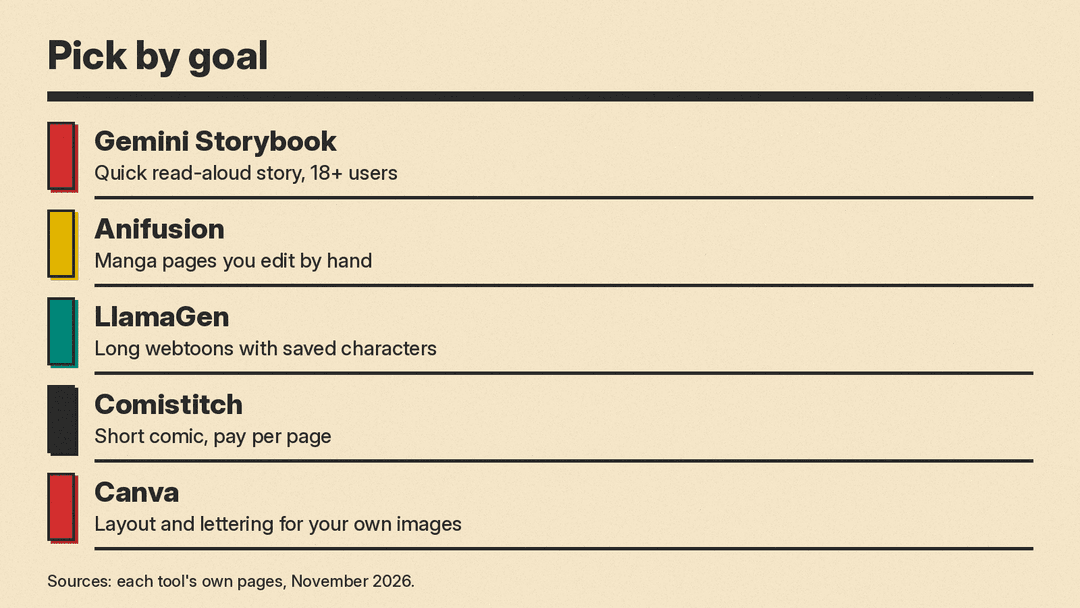
- You want a finished story fast, with narration: start with Gemini Storybook.
- You want manga pages and hands-on editing: try Anifusion's free credits first.
- You are planning a long webtoon or series: look at LlamaGen, and check the free plan's limits before you commit.
- You want to pay once for a short comic: use Comistitch's free credits, then a small pack.
- You already have images and need page layout: use Canva.
A simple workflow that works in any of them
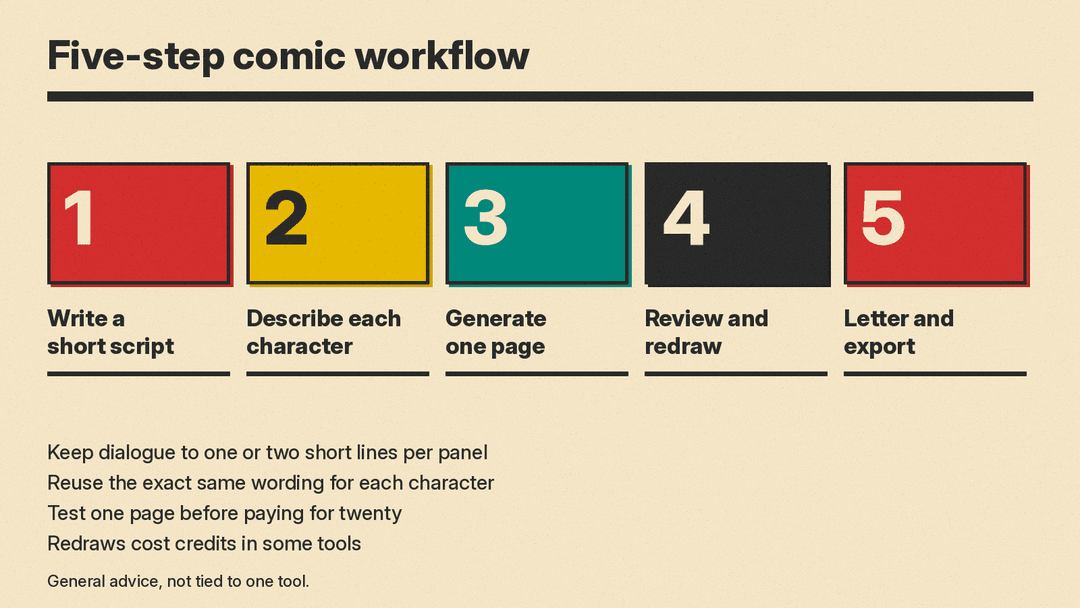
- Write a short script. Keep each scene to a few lines of action and one or two lines of dialogue per panel. Long speech bubbles are hard to fit and hard to read.
- Define your characters once. Write a plain description for each character, such as hair, clothes and one distinctive item, and reuse that exact wording. Where the tool supports saved characters or reference images, use them.
- Generate one page before you generate twenty. Check the faces, the style and the panel flow. It is cheaper to fix the setup than to redraw a whole book.
- Review every page. AI tools can drift between panels, so look at hands, faces and clothing. Redraw only the pages that need it.
- Letter and export. Fix any text in the tool's editor, or finish the page in Canva, then export.
Rights and safety notes
- Use your own characters. Do not prompt for well-known characters you do not own if you plan to publish or sell the comic. The tool's terms cannot give you rights you do not have.
- Read the commercial terms. Free plans often add watermarks, and some plans limit commercial use or set revenue thresholds, as LlamaGen does.
- Be careful with children's photos. Storybook tools often accept photos. Only upload images you are comfortable sharing with the service, and read each service's privacy terms first.
- Copyright is unsettled. Rules on who owns AI-made art differ by country. The US Copyright Office keeps a page on copyright and artificial intelligence that is a good starting point. This is not legal advice.
Bottom line
There is no single best AI comic maker, only a best one for your job. For a read-aloud story tonight, Gemini Storybook is the shortest path. For manga pages you can edit, Anifusion is a natural start. LlamaGen suits long series, Comistitch suits a one-off comic on a budget, and Canva finishes the page. Anifusion, LlamaGen and Comistitch each list a free plan or free credits, so run the same two-panel test in two of them and compare the results before you pay.
