
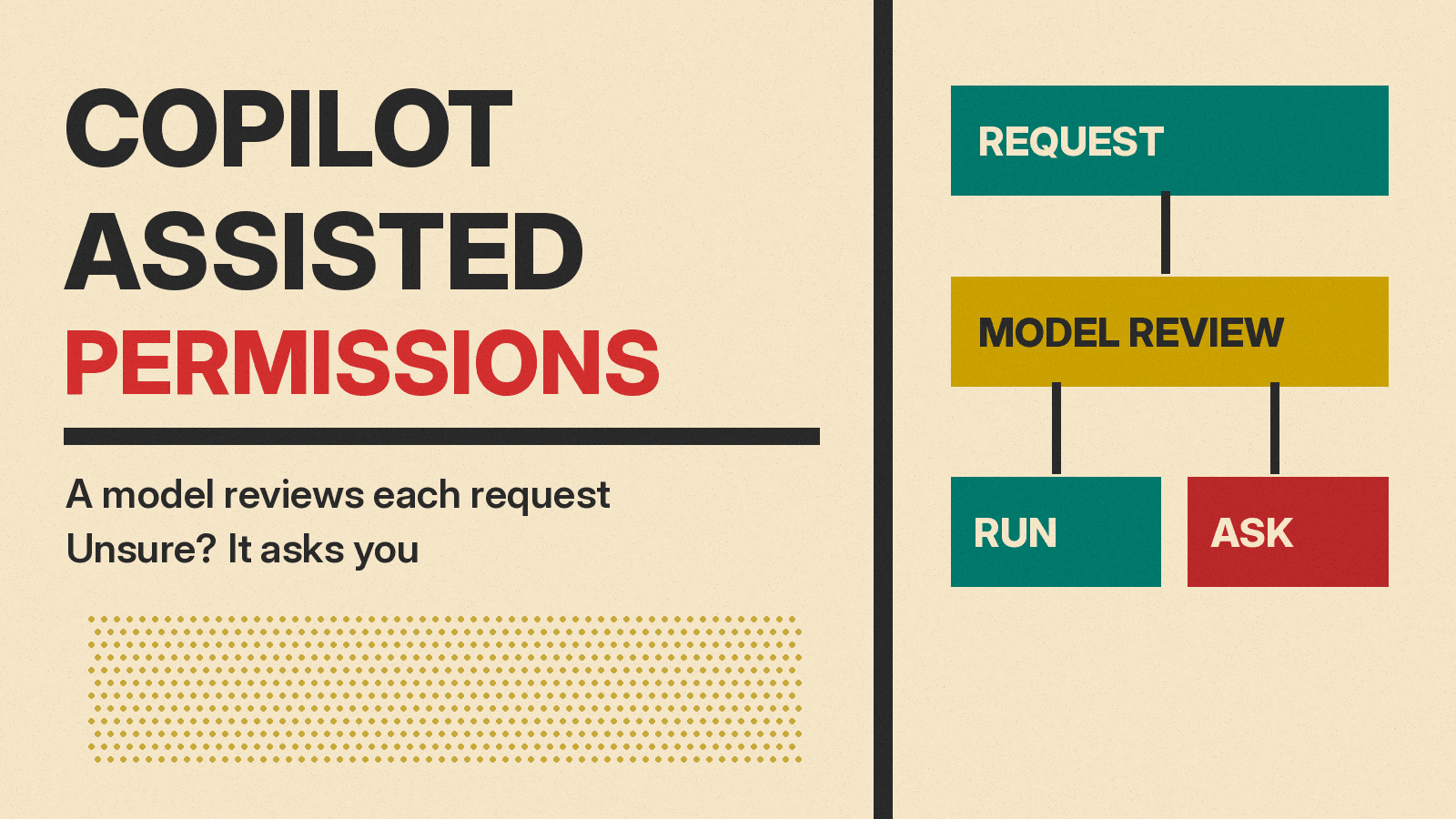
GitHub made assisted permissions generally available on October 26, 2026, in GitHub Copilot CLI, the GitHub Copilot app and Visual Studio Code. The mode adds an AI review step between the coding agent and your machine. When Copilot wants to run a command, touch a file path or open a URL, a large language model looks at the request first. In GitHub's words, "Requests classified as clearly safe automatically proceed. Other requests require your approval."
Below is what it does, how to turn it on, what admins can lock down, and where GitHub itself says it falls short.
The problem it tries to fix
Coding agents ask for permission a lot. GitHub's docs page on the feature says approval prompts keep you in control "but it can slow you down, especially at the start of a session." The usual escape is to grant blanket permission, which in Copilot CLI means --allow-all or its alias --yolo. That removes the prompts and also removes your oversight of each action.
Assisted permissions is GitHub's middle ground. The same docs page calls it "a middle ground between manual approval and granting broad permissions with an allow-all option."
The three modes
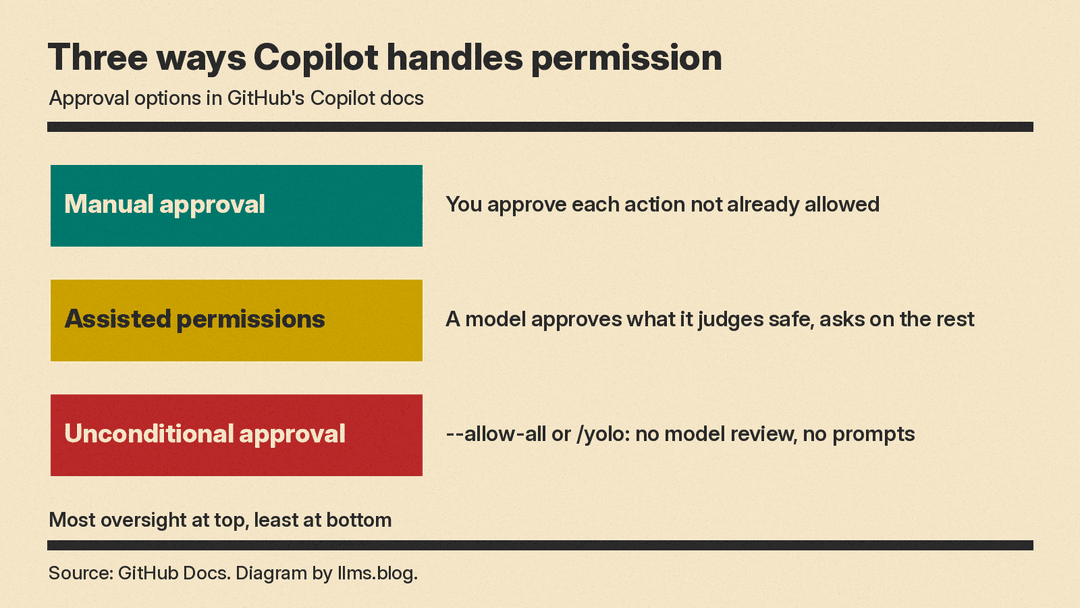
GitHub's docs list three approval options:
- Manual approval. Copilot asks before any action that isn't already allowed, such as a command that isn't read-only, a file edit or a URL. You can approve once or for the rest of the session.
- Assisted permissions. A model assesses eligible requests and approves the ones it judges safe. You are prompted for the rest.
- Unconditional approval. Copilot uses tools, paths and URLs with no model review and no prompts. This is what
--allow-all,--yolo,/permissions allow-alland/yologive you.
In every mode, existing deny rules and enterprise restrictions still apply, and requests your permissions already allow run without a prompt or a review.
How a request gets decided
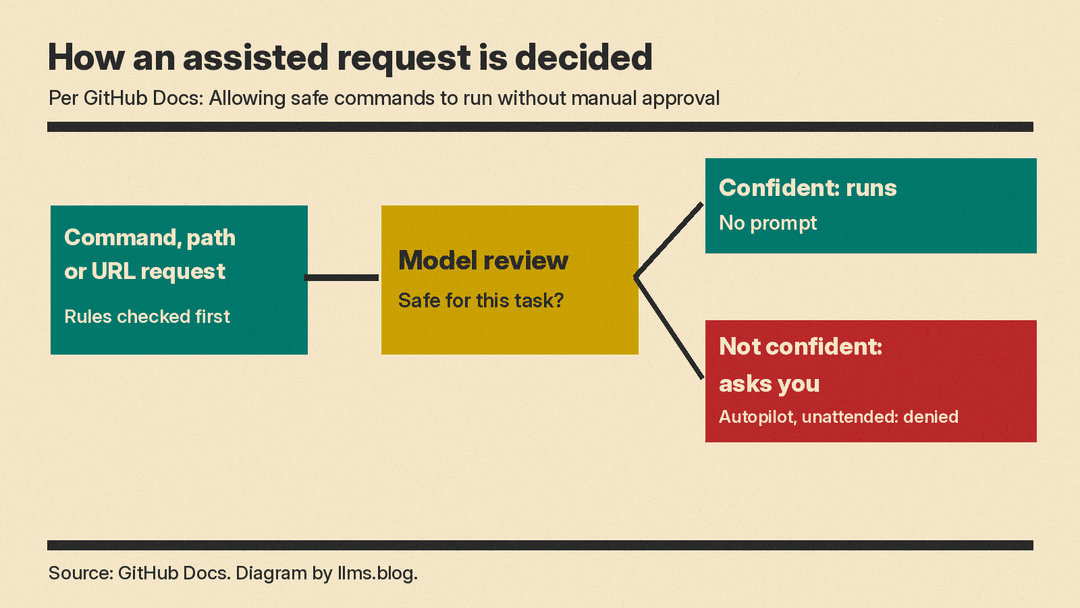
Per the docs, existing rules and human approvals are checked before the model sees anything. For an eligible request that is still open, the model assesses "whether the action is safe and within the authority you gave for the task." If it is confident the request is safe, Copilot proceeds without asking. If it is not confident, you get the normal prompt. If the review is unavailable or cannot evaluate a request, the request falls back to the session's normal handling.
Some things are never reviewed. The docs say assisted permissions "does not review other tool calls that enterprise rules require you to approve, or requests to bypass local sandboxing." Those still go through the usual approval path.
Two details matter for teams. First, Copilot selects the review model, and it "can differ from the model you selected for your conversation." If you bring your own model provider, the review uses your session's active model. Second, in Copilot CLI, enterprise ask rules for shell commands, file reads, file writes and URLs "can be satisfied by model approval" when the request is eligible. So an admin rule that used to force a human prompt may now be cleared by the model instead. Enterprise deny rules still apply.
Unattended runs
The mode also changes what happens when nobody is watching. In autopilot mode and non-interactive runs, requests that still need approval are denied, and the review's explanation is passed back to Copilot "so it can try a different approach."
For scripts and CI jobs, Copilot CLI has a --assisted-approval flag, for example copilot -p "Fix the failing tests" --assisted-approval, or you can set COPILOT_ASSISTED_APPROVAL=true. GitHub suggests it for CI workflows, scheduled jobs and batch scripts where you want real work done "without giving Copilot unconditional permission to run any command."
There is a trap in the docs' own warning box. --assisted-approval takes precedence over --allow-all-tools, but it does not change --allow-all-paths or --allow-all-urls. Combine it with --allow-all and path and URL access "can still be unrestricted." And if enterprise settings block the mode, the CLI only writes a warning to standard error and does not cancel a separate --allow-all-tools, so tool requests "may still be approved without a safety review." Anyone wiring this into CI should check for that warning.
How to turn it on
From the changelog post and the docs:
- Copilot CLI: run
/permissions, then select assisted. To make it the default, setdefaultPermissionModeto"assisted"in~/.copilot/settings.json. - Copilot app: open the mode picker, click Tool permissions, then select Assisted. The docs say this also becomes the default for new local sessions. Tool permission controls are not available for cloud sessions.
- VS Code: open the permissions picker, then select Assisted permissions.
One mismatch to note: as of this writing, VS Code's own approvals docs still label the option "Experimental," say it "might change or be removed," and tell users to enable the chat.assistedPermissions.enabled setting first.
What admins control
The changelog says enterprise admins can block Allow All while keeping Assisted available, or disable Assisted on its own. The docs name the settings: permissions.disableBypassPermissionsMode: "disable" turns off unconditional approval, and permissions.disableAssistedPermissionsMode: true turns off assisted permissions. Admins can also set a default mode for new sessions with permissions.defaultMode. If that default is unavailable or blocked by policy, the session starts with manual approval.
Cost
GitHub's changelog and docs pages do not say how the safety review is billed or whether it uses your Copilot usage. For context, GitHub says GPT-6.1 Terra in Copilot is billed at provider list pricing under usage-based billing.
Why it matters
VS Code's docs already describe an "Auto-Review" preset for Codex that sends approval requests "to an automatic reviewer instead of prompting you." Copilot now has its own version in the CLI, the app and VS Code.
The catch is that an AI judge can be fooled or wrong. GitHub says so plainly: "The model can make mistakes and approve dangerous or unintended actions. This feature is not a substitute for sandboxing or access restrictions." That matters because agents read untrusted text all the time, as a recent planted AGENTS.md attack on Codex showed. GitHub says to review what Copilot does and to consider running it in a sandbox or other isolated environment, such as Copilot's local sandboxing, so a bad approval still lands inside walls.
For developers who now reach for /yolo to get work done, assisted mode keeps a review step that blanket approval drops. For teams, the bigger change is that admin ask rules in the CLI may no longer mean a human always says yes.
