
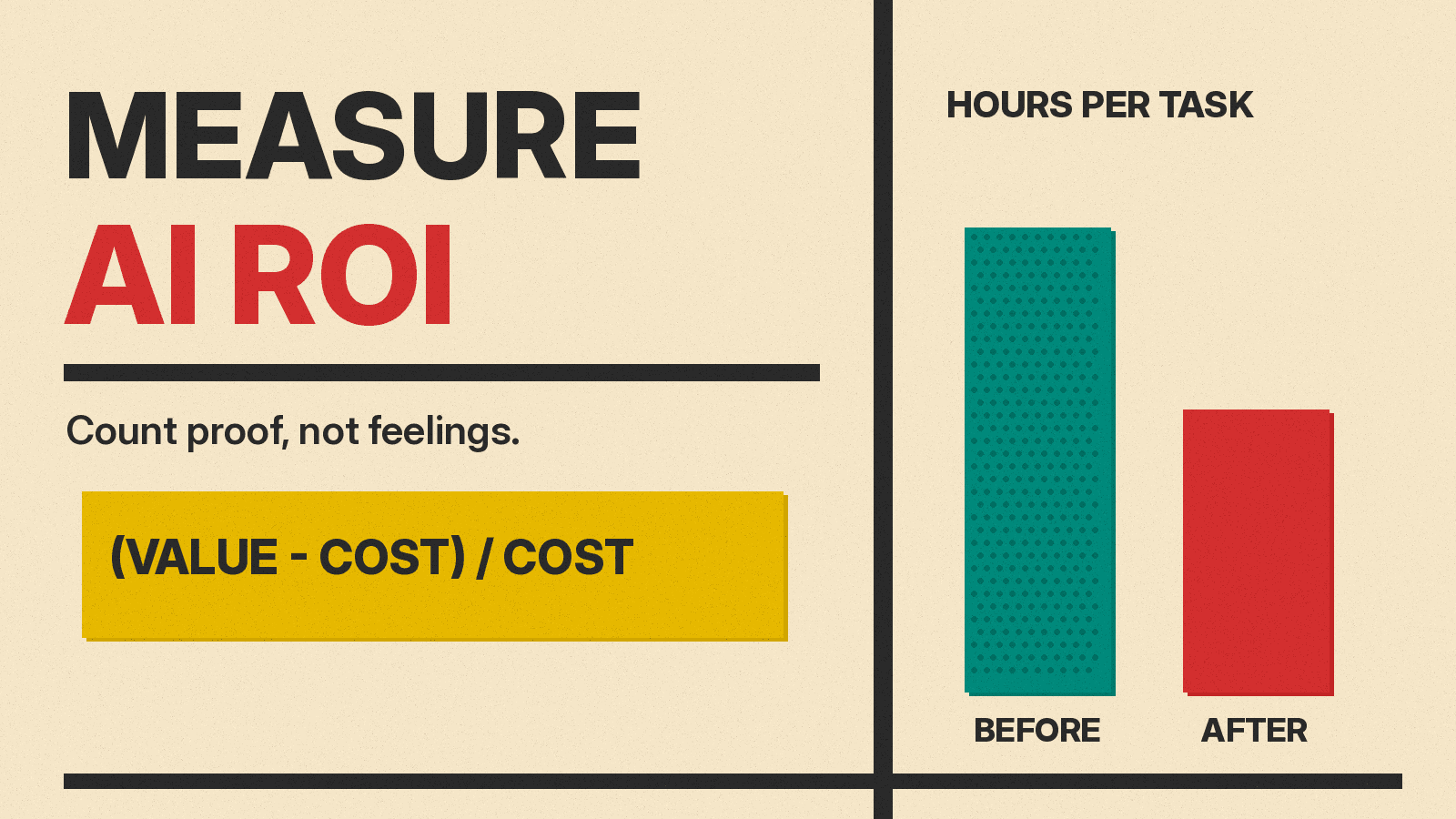
Most teams buy AI tools on a promise of saved time. Few check later whether the time was saved, or what it was worth. This guide shows a simple way to measure the return on an AI tool at work, using what the best public studies did and where they went wrong.
The short version: pick one task, measure it before and after, count only the time you can prove, and subtract every cost, including review time.
Why "it feels faster" is not enough
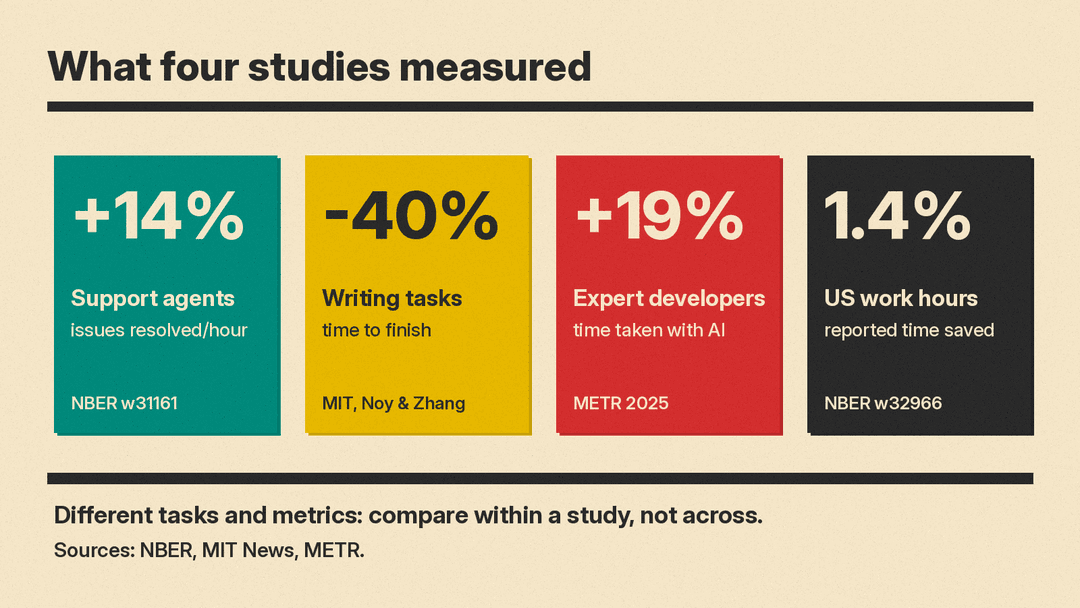
The strongest warning comes from a 2025 randomized trial by the research group METR. It asked 16 experienced open-source developers to fix 246 real issues in their own projects, some with AI tools and some without. With AI allowed, they took 19% longer. Before the study they expected a 24% speedup. After it, they still believed AI had sped them up by 20%.
That study covers one group of expert developers and early-2025 tools, and METR has since published newer data. The lesson for any team still holds: people are poor judges of their own speed. A survey that asks "did AI save you time?" measures belief, not output.
What the better studies measured
Three public studies are useful because they measured work, not opinions.
- Customer support. In Generative AI at Work, Erik Brynjolfsson, Danielle Li and Lindsey Raymond studied 5,179 support agents who got an AI assistant at different times. Issues resolved per hour rose 14% on average. Novice and low-skilled agents improved 34%. Experienced, highly skilled agents saw minimal change.
- Writing tasks. In an MIT experiment by Shakked Noy and Whitney Zhang, 453 college-educated professionals did short writing tasks from their own fields. Those given ChatGPT finished 40% faster, and quality scores from blind evaluators rose 18%. The authors note the tasks did not need precise facts or company context, which real work often does.
- Adoption across the economy. A national survey by Alexander Bick, Adam Blandin and David Deming, The Rapid Adoption of Generative AI, found that as of late 2024 between 1% and 5% of all US work hours were assisted by generative AI, and reported time savings equal to 1.4% of total work hours.
Read together, these say three things. Gains are real on some tasks. They are uneven across people. And averaged over a whole job, the saved time can be small.
A five-step way to measure ROI on your own team
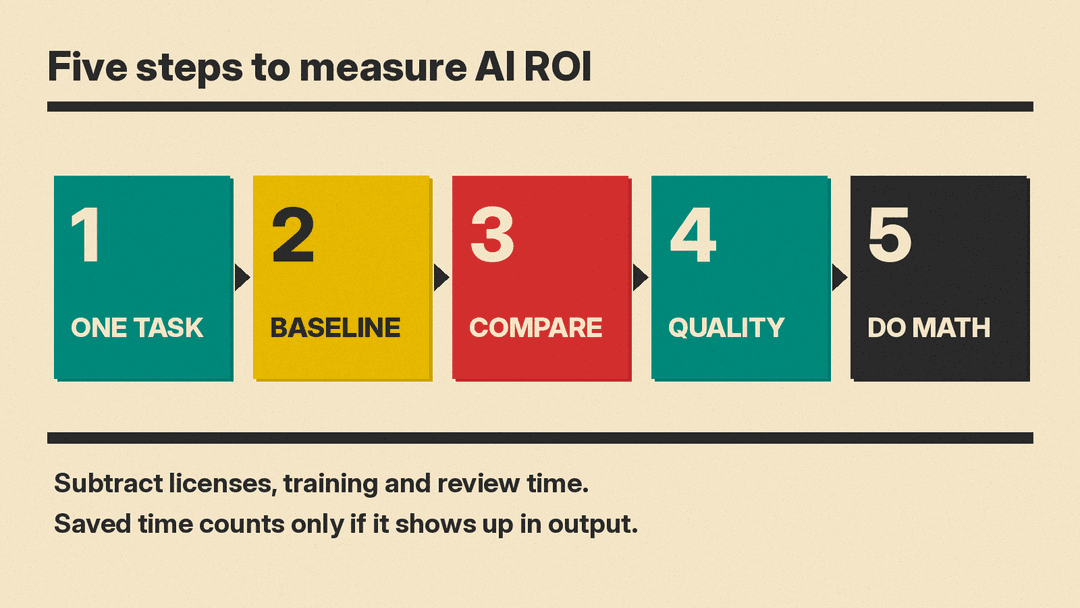
1. Pick one task, not "productivity"
Choose a task that repeats, has a clear output, and can be counted. Good examples: support tickets closed, first drafts of product descriptions, invoices matched, sales emails sent. Avoid vague goals like "faster work." The support study worked because it had a clean measure: issues resolved per hour.
2. Measure a baseline before anyone uses the tool
Record two to four weeks of the current numbers: how many units per person per week, how long each takes, and how often the work is sent back for fixes. Without a baseline, any later number is a guess.
3. Run a fair comparison
The best option is to give the tool to some people first and compare them with people who do not have it yet, as the support study did with its staggered rollout. If that is not possible, compare the same people before and after, over the same kind of weeks (not a holiday week against a normal one).
4. Count quality and rework, not only speed
Faster output that needs heavy editing is not a gain. Track error rates, customer ratings, or how often a manager rejects the draft. The MIT study used blind graders. A small team can do a lighter version: have a reviewer score a sample of outputs without knowing which ones used AI.
5. Do the math with every cost
Use a plain formula:
- Value of time saved = hours saved per month x loaded hourly cost of the people doing the task
- Total cost = licenses + setup and training time + review and correction time + any integration work
- ROI = (value of time saved minus total cost) / total cost
Count review time honestly. If an AI draft saves 20 minutes but a manager spends 10 minutes checking it, the real saving is 10 minutes.
A worked example (made-up numbers)
The figures below are an example only, not data from any study.
A five-person support team closes 400 tickets a month. After a fair trial, it closes the same 400 tickets in 30 fewer staff hours, with the same customer ratings. Staff cost the business $40 an hour, fully loaded, so the time is worth $1,200 a month. The AI tool costs $150 a month in licenses, and reviews of AI replies take 5 hours a month ($200). Total cost: $350. ROI = ($1,200 minus $350) / $350, or about 243% a month.
Now change one input. If the trial showed 10 saved hours instead of 30, the value falls to $400, and the ROI falls to about 14%. Small changes in measured time move the result a lot, which is why the baseline matters.
Common mistakes
- Counting saved time that never turns into output. If people save an hour but the team does not close more tickets or ship more work, the business gained nothing it can measure yet.
- Measuring only your best users. The support study found the biggest gains for newer staff and almost none for experts. Your average may differ from your champions.
- Stopping at a survey. As the METR study shows, people can feel faster while being slower.
- Ignoring rework. A tool that raises error rates can cost more than it saves.
- Measuring too early. Give people a few weeks to learn the tool before you judge it, and keep measuring after.
When the number is low
A weak result is useful too. It may mean the task is a poor fit, the team needs training, or the tool is the wrong one. Try a different task before dropping AI altogether. Our guide to AI for customer support shows a task where measured gains are well documented, and our list of AI tools for productivity can help you find a better match.
Sources
- METR: Measuring the Impact of Early-2025 AI on Experienced Open-Source Developer Productivity
- NBER Working Paper 31161: Generative AI at Work (Brynjolfsson, Li, Raymond)
- MIT News: Study finds ChatGPT boosts worker productivity for some writing tasks
- NBER Working Paper 32966: The Rapid Adoption of Generative AI (Bick, Blandin, Deming)
