
Amazon has given its shopping assistant a long list of new chores. On October 29, 2026, the company said Alexa for Shopping now handles more than 100 new shopping actions through plain conversation: building lists and registries, changing Subscribe & Save deliveries, checking Prime benefits, editing delivery instructions, and sorting out billing questions. Amazon says the features are available now to all U.S. Amazon customers.
The change is less about finding products and more about the account chores that usually mean digging through menus. Here is what is new, how to use it, and what to keep in mind before you let it touch your account.
What Alexa for Shopping is
Alexa for Shopping is the AI assistant inside the Amazon Shopping app and Amazon's website. Amazon introduced the name in May 2026, when it combined the product knowledge of its Rufus shopping assistant with the personal context of Alexa+. Amazon said at the time that all Amazon customers can use it for free when signed in, with no Prime membership, Echo device or Alexa app required.
It is not the same thing as owning an Echo. You can use it by typing in the app. Amazon also says what you tell Alexa on an Echo can shape your shopping suggestions on Amazon, and your shopping activity on Amazon can make Alexa more helpful on your devices. That two-way link matters for the new account features, because the assistant already knows a lot about your orders.
The new things you can ask
Amazon lists examples of the new actions in five areas. The example requests below are the ones Amazon gives in its announcement.
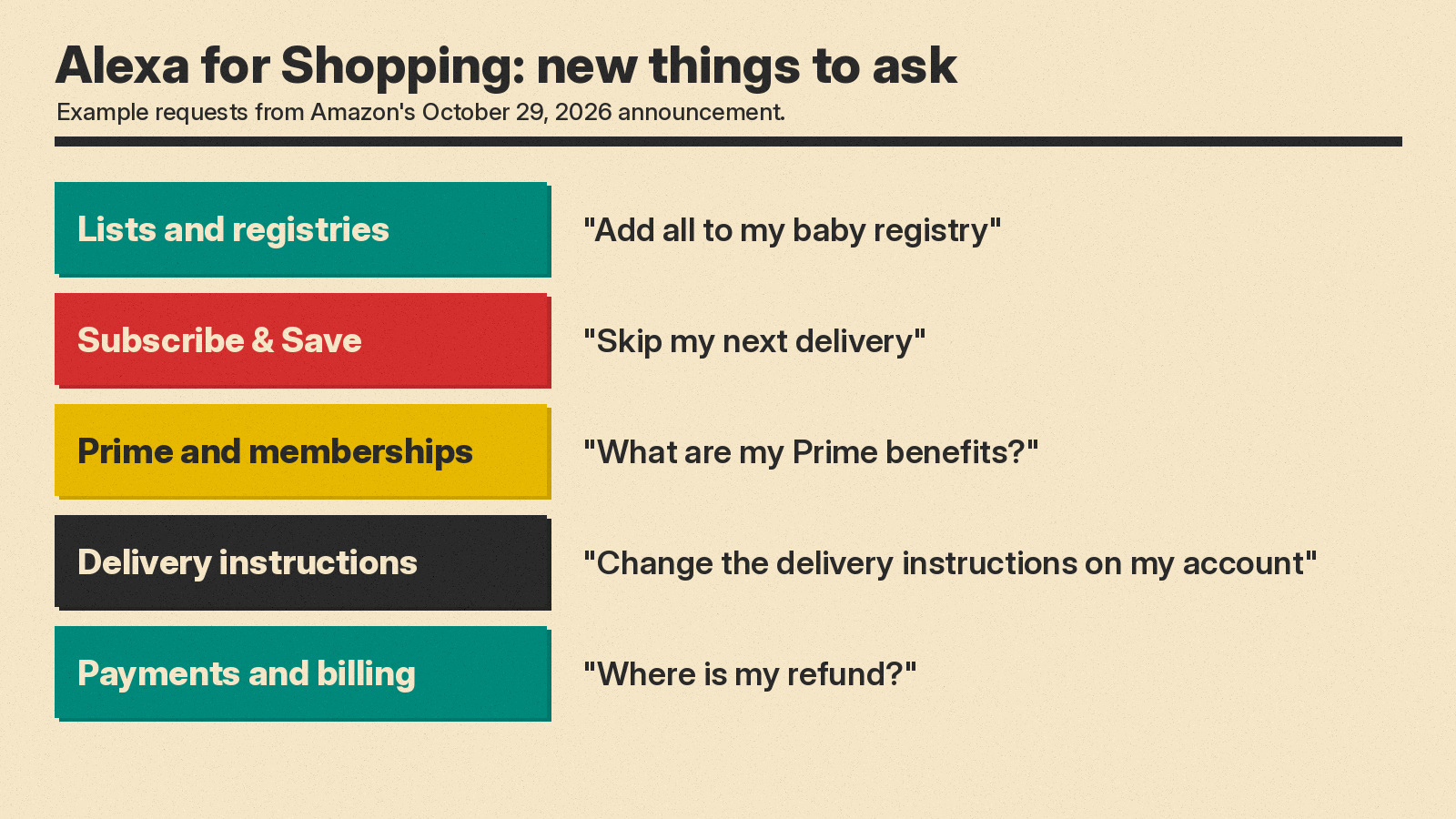
- Lists and registries. Create a list, add items, and move items between lists. Examples: "Create a new shopping list," "Add all to my baby registry," or "Show me what's left on my wedding registry."
- Subscribe & Save. Change recurring deliveries by asking. Examples: "Skip my next delivery," "Pause my subscription," or "Change my delivery to every three months."
- Prime and other memberships. Ask about what you pay for. Examples: "What are my Prime benefits?", "How much have I saved with Prime this year?" or "When does my Audible subscription renew?"
- Delivery instructions. Edit the delivery instructions saved on your account. Examples: "Change the delivery instructions on my account," or "Add delivery instructions on my Palo Alto address."
- Payments and billing. Check charges, gift cards and refunds. Examples: "I have an unrecognized charge on my account," "Show my gift card balance," or "Where is my refund?"
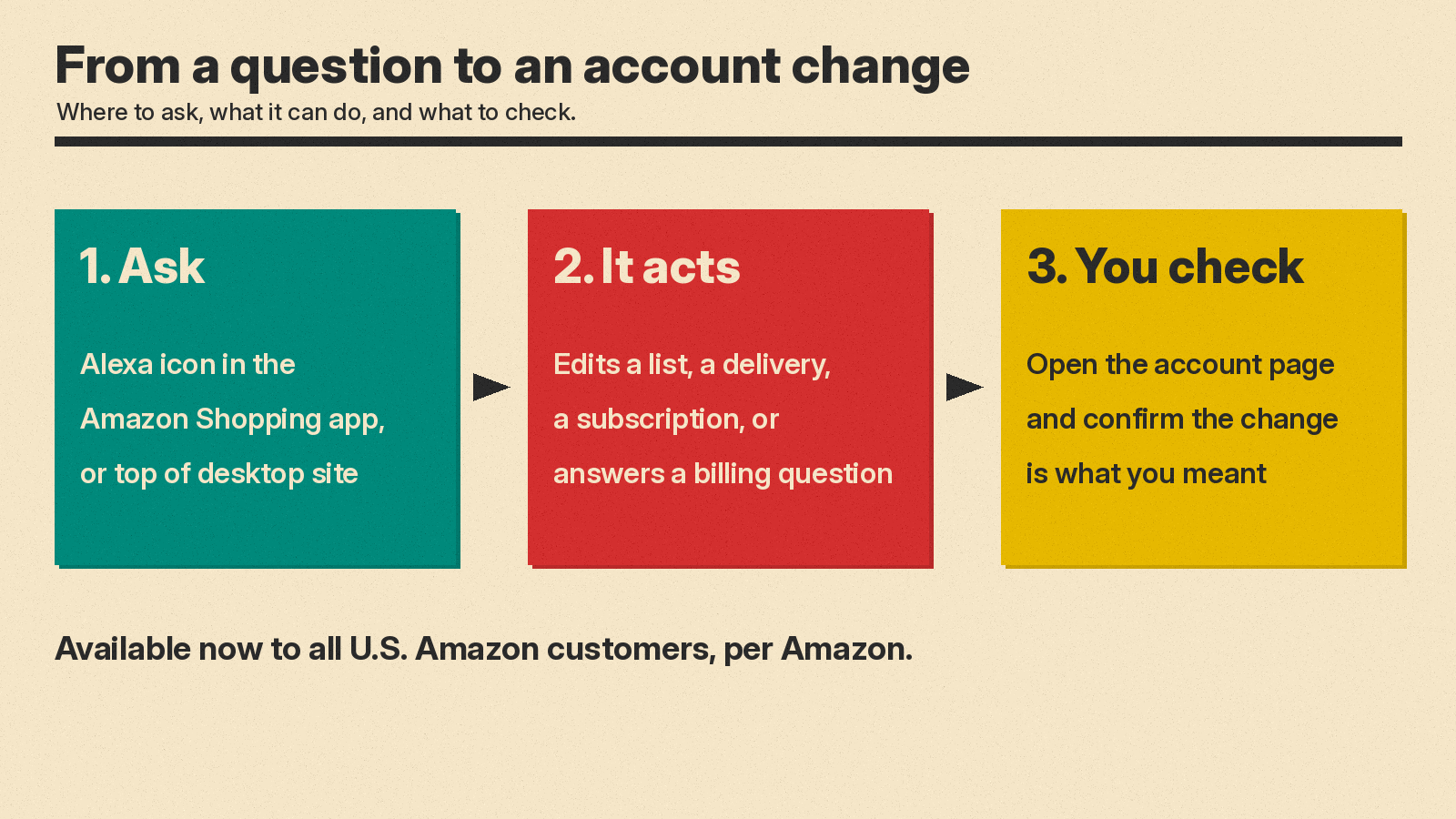
To try them, tap the Alexa icon in the Amazon Shopping app, or use Alexa for Shopping at the top of the screen on desktop. Amazon's how-to guide also says you can type questions straight into the main search bar in the app, and the search experience recognizes when you are asking a question.
What it already did before this update
The new actions add to features the assistant already had. According to Amazon's guide, the assistant can:
- Show 30-, 90- and 365-day price history for a product.
- Compare several products you pick from search results side by side.
- Set "Update Me When" alerts for new releases, such as a new Kindle or a new season of a show.
- Run Scheduled Actions, recurring tasks such as restocking pet food or paper towels, which either notify you or add items to your cart for you to review and check out.
- Auto-buy an item when it reaches a target price you set.
Put together, Amazon now pitches the assistant as a way to handle everyday account tasks by chat, not only as a search helper.
The numbers Amazon shared
Amazon says more than 400 million customers have used Alexa for Shopping in the last 12 months. It also says the number of customers using its agentic features, the ones that take actions for you, has grown more than eight times since the start of the year. These are Amazon's own figures; it did not publish how it counts a "customer" or which features count as agentic. TechCrunch reported the same figures and noted the timing ahead of the holiday season.
Rajiv Mehta, Amazon's vice president of Conversational Shopping, said in the announcement: "Alexa for Shopping can now help with more than 100 brand-new shopping actions, giving customers the ability to handle everything from building a holiday gift list to resolving a billing question just by asking."
Why it matters
Until now, Amazon mostly pitched Alexa for Shopping as a research and buying tool: find products, compare them, track prices. This update moves Amazon's assistant into the account itself: it can change a delivery schedule, edit an address note, or help resolve a billing question. That is the same shift other assistants are making, from answering to acting, but here it happens inside a store where a wrong action can mean a missed delivery or a changed subscription.
For everyday users, the useful part is speed on boring tasks. Skipping one Subscribe & Save shipment or checking a refund usually takes several taps through account pages. A single sentence is faster, as long as the assistant gets it right.
Tips before you use it
- Check the result. After you ask for a change, look at the subscription, list or address page to confirm it did what you meant, especially with "every three months" style schedule changes.
- Be specific with addresses. If you have more than one saved address, name it, the way Amazon's own example names "my Palo Alto address."
- Know what it learns. Amazon says the assistant learns from your conversations, browsing, purchases and preferences, and that this works across Amazon and Alexa devices.
- Review auto-buy and Scheduled Actions. Amazon says auto-buy can complete a purchase with your default payment method when an item hits your price, and Scheduled Actions can add items to your cart on a schedule, so check what you have set up from time to time.
- It is U.S. only for now. Amazon says the new actions are available to U.S. customers. It did not give dates for other countries. Alexa+, Amazon's voice assistant, is a separate product, and Amazon opened early access for it in Japan on October 29.
