
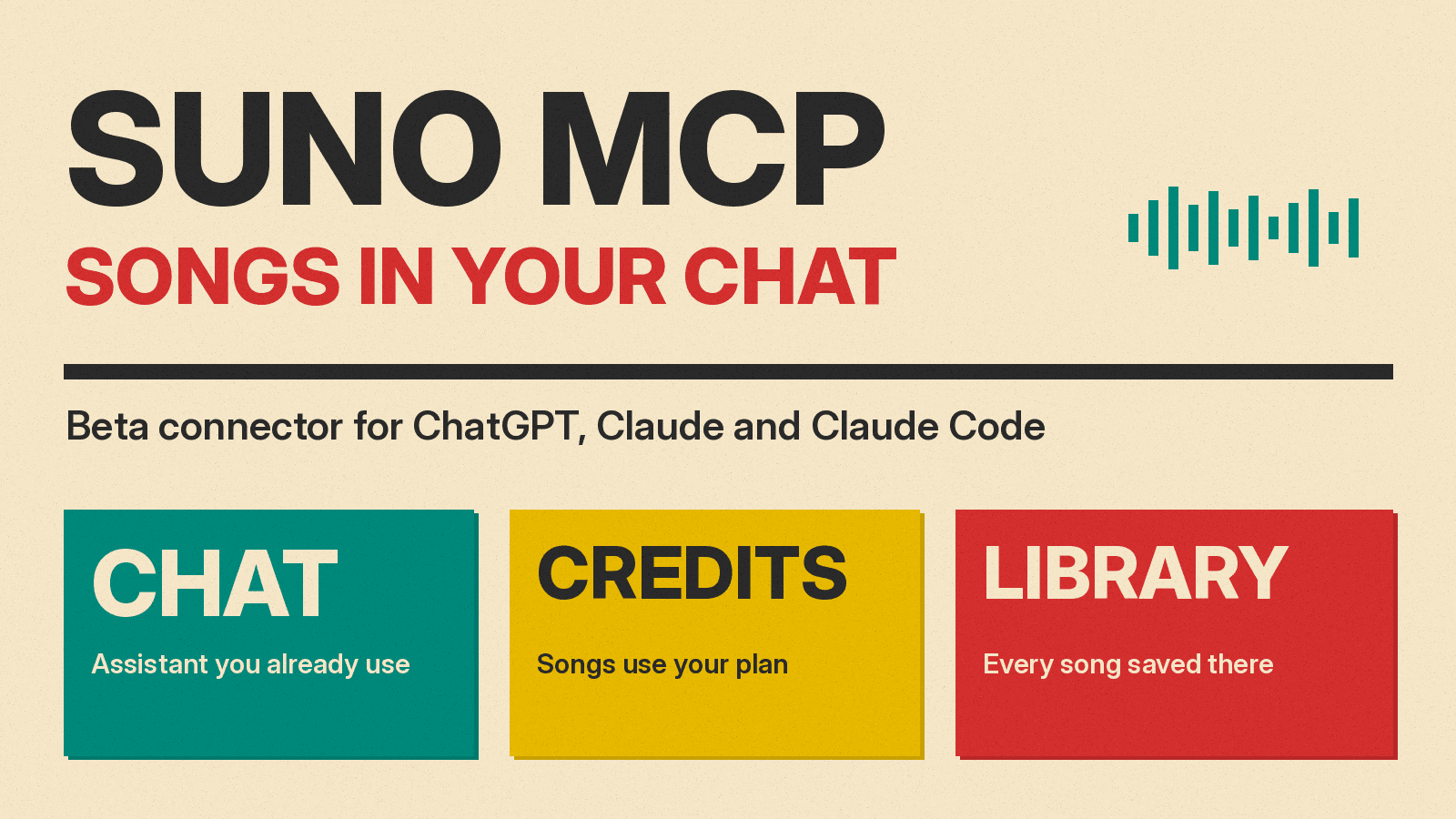
Suno has released a beta connector that lets you make songs from inside an AI assistant instead of the Suno website. The company's release note is dated October 28, 2026, and says you can connect Suno to Claude, ChatGPT, Claude Code and other MCP clients, then "create music in the workspace you're already in, no tab-switching needed." This guide covers what the connector does, how Suno says to set it up, and what its pages leave unanswered as of November 5, 2026.
What Suno MCP is
MCP stands for Model Context Protocol. Suno's own page describes it as "an open standard that lets AI assistants work with other apps." If the term is new, our plain-English guide to the Model Context Protocol explains how a chat assistant can call outside services. The same idea is already showing up in other media tools, such as the Luma MCP and Runway Dev plugins for video.
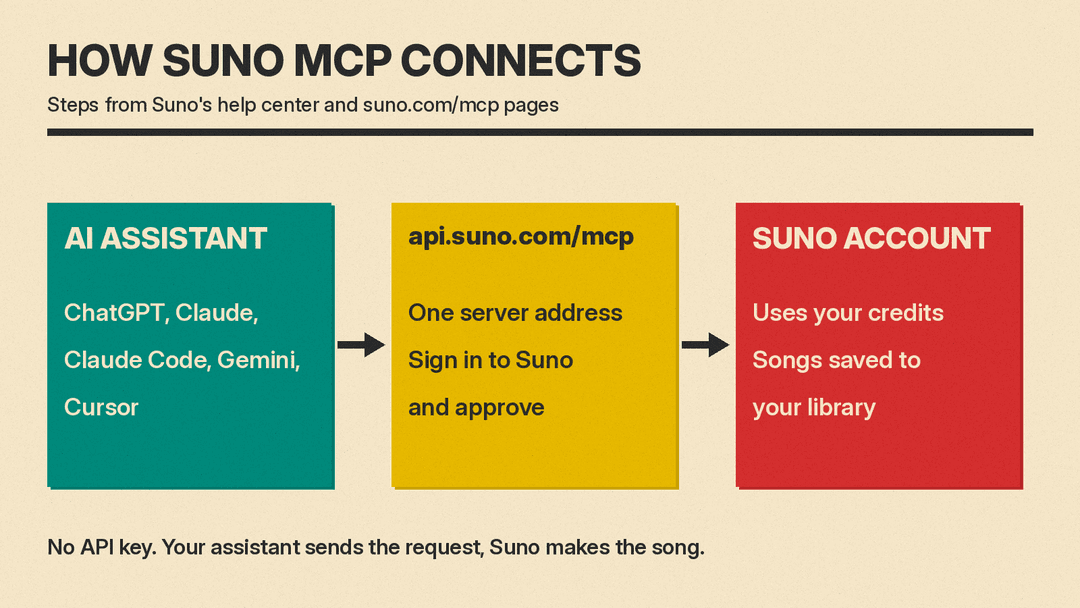
In practice, the connector links your Suno account to an assistant you already use. Suno says the assistant can draw on everything you have already discussed, "lyrics, a project, a video plan," so you do not have to explain the idea again. You can keep chatting with the assistant, and Suno generates the audio. We first covered the beta on October 28, 2026, in our earlier post on the Suno MCP; this guide adds details from Suno's help center.
What you can ask it to do
Suno's release note lists three things:
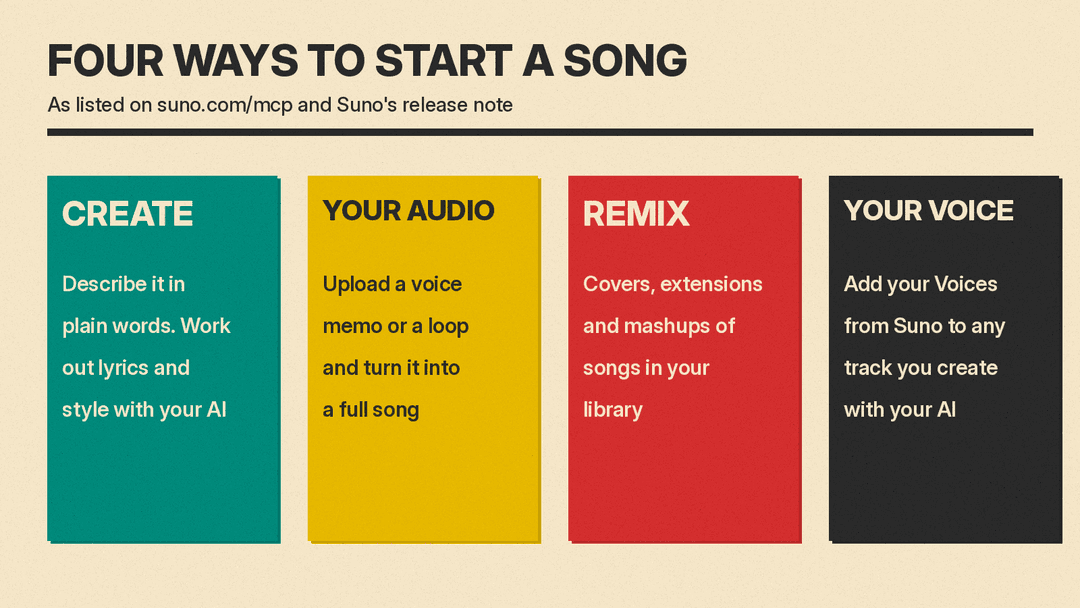
- Create songs conversationally. You describe the song in plain words, work out lyrics and style with your assistant, and Suno makes the song.
- Start from your audio. You can upload a voice memo or a loop and turn it into a full song.
- Remix anything. You can make covers, extensions and mashups of songs in your library.
The dedicated page at suno.com/mcp adds a fourth item, "Use your Voice": you can add your Voices from Suno to any track you create through your assistant. The page also suggests follow-up requests such as "Make it slower," "Add a bridge" and "Give me three more."
Suno's help center article, "What is Suno MCP (Beta)?", adds two more items. One is "Bring words to life with Speech." Speech is a separate Suno feature that the company's October 1, 2026 release note describes as "the first model to create a speech and its soundtrack together, in one take," with examples such as bedtime stories over soft piano. The other is a way to check your plan and remaining credits. The site's FAQ confirms this from the chat side: you can ask your AI tool how many credits you have left.
Where your songs and credits go
Three details stay the same as on suno.com, according to Suno's pages:
- Every song you make through the connector is saved to your Suno library.
- Songs use the credits on your current Suno plan, "just like songs you make on suno.com."
- You can add a song to a playlist directly from the chat.
Suno's FAQ says the connector works with all Suno plans, including Free, and that there is no API key. You connect by signing in to your Suno account and approving access. The FAQ also says you can connect one Suno account to more than one assistant.
How to set it up
Every setup uses the same server address, https://api.suno.com/mcp. The steps below come from Suno's help center article "How do I connect Suno MCP (Beta) to an AI assistant?", which the help center listed as edited 8 days ago on November 5, 2026. Menu names are Suno's wording and may differ in your version of each app.
- Claude: open Customize, then Connectors, then the plus button, then Add custom connector. Name it "Suno," paste the address, select Connect, then sign in to Suno and approve.
- ChatGPT: go to Plugins, then Add, then Add custom MCP server. Name it "Suno" and set the Connection (Server URL) to the address. Select "Create as a plugin," then "Connect Suno" and authorize the plugin.
- Claude Code: run
claude mcp add --transport http suno https://api.suno.com/mcp, then run/mcpin a session to sign in to Suno. - Gemini: go to Customize, then Connectors, then Add Custom MCP server. Enter the address and select Create. Start a chat and mention @Suno to use the connector.
- Cursor: go to Customize, then MCPs, then New MCP Server (User), and add a
sunoentry with the address as itsurlin themcp.jsonfile that opens.
For any other assistant that supports custom MCP connections, Suno says to find the setting for adding a custom connector or custom MCP server and add the same address.
What to check before you rely on it
The pages Suno has published leave several practical questions open. These are gaps in the pages we read, not statements that the answers are unknown to Suno.
- Beta access. The release note says "Sign up for early access to Suno MCP beta here," and suno.com/mcp has "Get early access" buttons. The help center articles give setup steps without mentioning a waitlist. Suno's FAQ also notes that "some apps only let you add connectors on certain paid plans," so whether your assistant allows a custom connector depends on that app's own plan rules.
- Cost per song. The pages say songs use credits but do not give a credit cost for a connector request.
- Model. Suno's v6 announcement from September 9, 2026 lists v6, v6-wild and v6-mini, and says v6 and v6-wild are available only to paid users. The MCP pages do not say which model the connector uses, so check the song details in your Suno library after your first generation.
- Voices. The Voices feature is mentioned on the MCP page, but the pages we read do not describe plan limits for using a Voice through an assistant. Suno's Voices release note from August 7, 2026 says Voices on mobile are available to try on free plans, with more on paid plans.
How it fits with Suno's other recent changes
The connector arrives alongside other Suno changes. On November 4, Suno added MIDI upload to Create for Pro and Premier users, which we covered in Suno MIDI Upload in Create: How It Works. The connector is a different kind of change: it adds a new place to start a song, not a new input type. Suno has also asked a federal court to dismiss a right of publicity class action brought by musicians; our post on the Isbell publicity suit covers the arguments and notes that no court has ruled yet.
If you have never made a song with AI, start with our beginner's step-by-step guide to making a song with AI. Suno's release note says you can work out lyrics and style with your assistant before Suno makes the song, and our Suno prompts guide has templates for writing those style descriptions.
Summary
Suno MCP is a beta connector that lets an MCP-capable assistant create, extend, cover and mash up songs in your Suno account. Songs land in your Suno library and use your credits. Setup takes one server address and a Suno sign-in, and Suno's pages give separate steps for Claude, ChatGPT, Claude Code, Gemini and Cursor.
