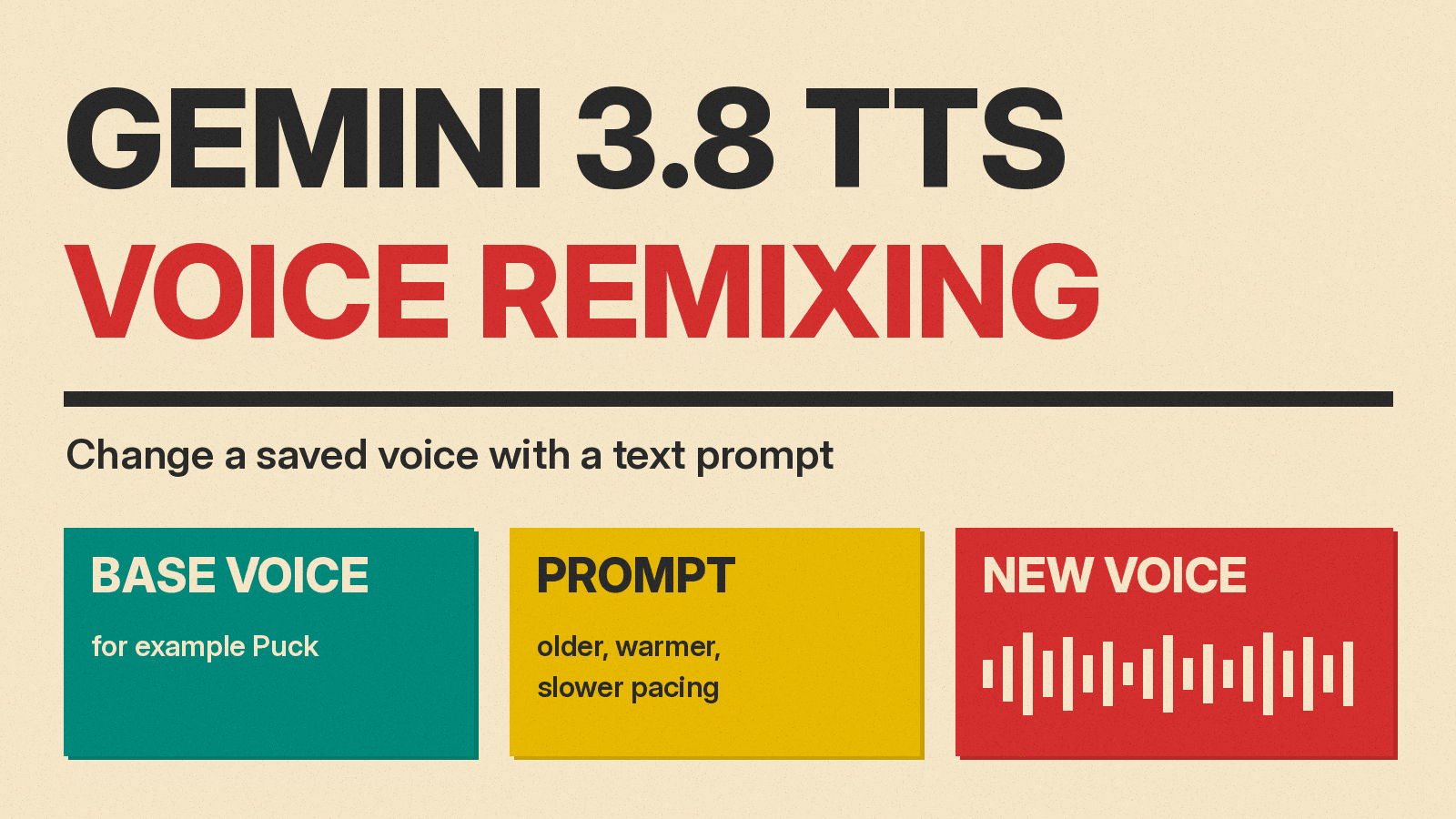
Google has added voice remixing to its Gemini 3.8 text-to-speech models. According to the Gemini API release notes, the feature was released on November 4, 2026. It lets a developer take an existing voice, describe a change in plain language, and get back a new saved voice that can be used for speech generation.
Google's September launch post for Gemini 3.8 Flash TTS listed remixing as "Coming soon". As of November 4, 2026, that page still carries the "Coming soon" wording, while the Gemini API release notes and a new Voice remixing guide describe it as released. This article follows the documentation pages, which are the more detailed record.
What voice remixing is
Voice remixing changes a voice you already have instead of building one from scratch. Google's guide says it "lets you modify an existing voice using natural-language instructions to create a new, independent stored voice."
You pick a starting voice, called the base_voice, and write a relative instruction in input. The guide lists traits such as age, pitch, energy, timbre and accent. Google's own examples in the launch post are "add subtle Southern US accent" and "soften the delivery."
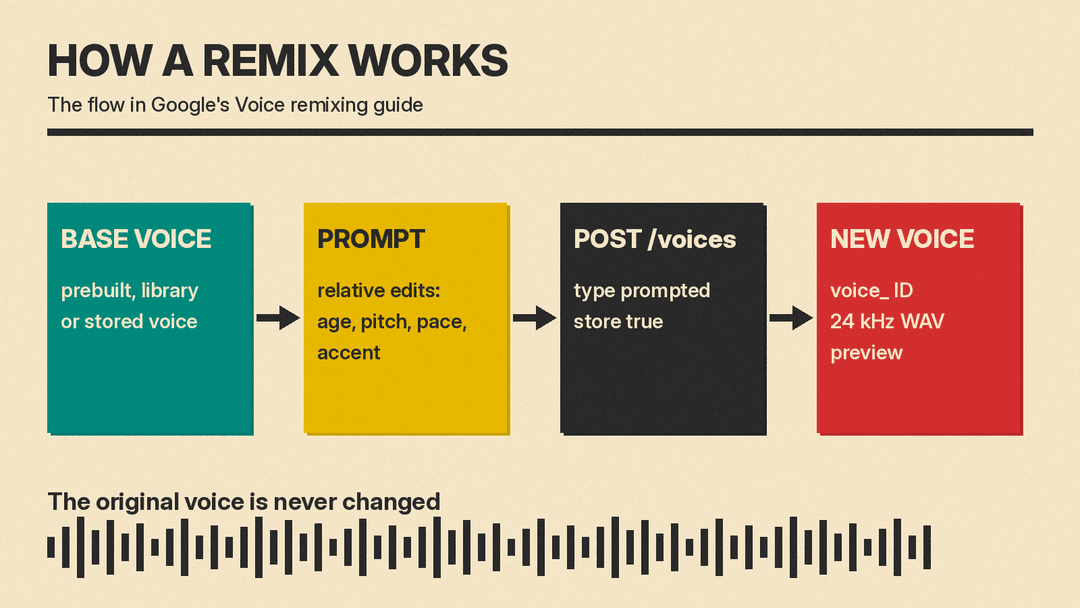
The result is a new voice with its own ID that starts with voice_. The guide says remixing never modifies or overwrites the original, and deleting the original later does not affect voices remixed from it. Each new voice also comes with a 24 kHz WAV preview clip, so you can listen before you use it.
How the request works
Remixing uses the same POST /v1beta/voices endpoint as voice design, the feature that creates a voice from a text description. The difference is the added base_voice field. The guide's REST example remixes the prebuilt voice Puck like this:
{
  "store": true,
  "voice": {
    "model": "gemini-3.8-flash-tts",
    "type": "prompted",
    "prompted": {
      "base_voice": "Puck",
      "input": "Make the voice sound slightly older and more grounded, with a warm British accent and measured audiobook narration pacing."
    }
  }
}
The response returns the new voice_... ID. You then pass that ID in the speech settings when you generate audio. The guide says the ID works with both gemini-3.8-flash-tts and gemini-3.8-flash-lite-tts, even though the remix itself is created with the Flash model. You can also remix interactively in Google AI Studio.
Which voices you can start from
The guide lists three kinds of base voice:
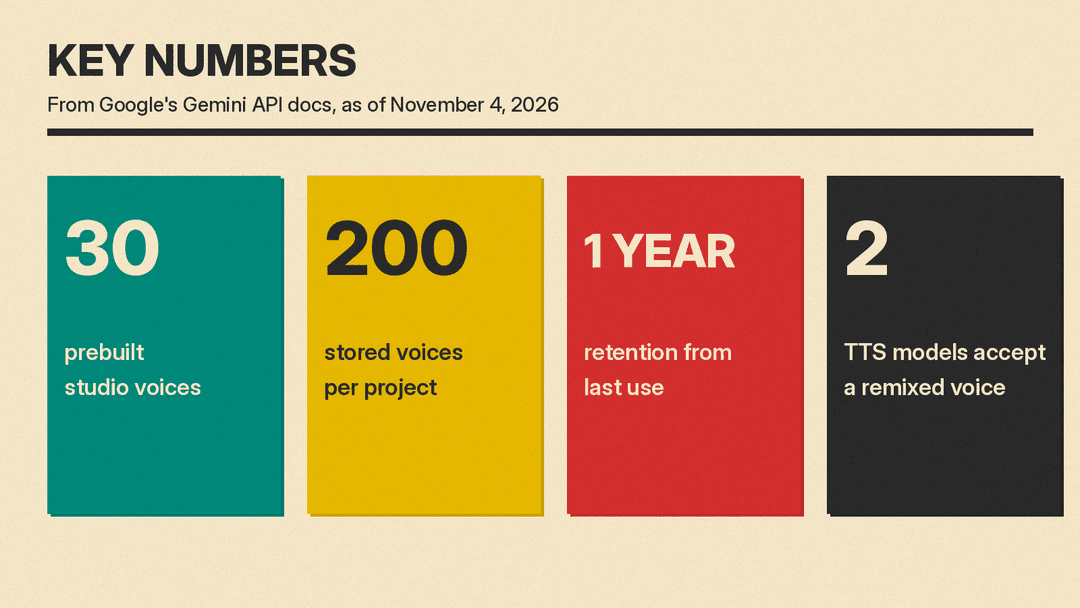
- One of the 30 prebuilt studio voices, such as Puck, Kore or Zephyr.
- A voice from the Extended Voice Library, using the ID returned by the voices list call.
- A stored voice of your own that was made by voice design or by an earlier remix.
That third option allows chaining. You can remix a remix and refine a voice one step at a time. The guide suggests changing one or two traits per step and listening to the preview before the next edit.
On voice counts, Google's pages do not use one number. The launch post says users can access "2,000+ production-ready voices." The text-to-speech guide lists 30 prebuilt voices plus "hundreds of additional voices" in the Extended Voice Library.
Prompting advice from Google
The guide gives a few rules for writing the instruction:
- Describe the change, not the whole persona. The model anchors on the base voice, so the prompt should name only the traits to adjust.
- Language and regional accent carry over from the base voice unless the prompt names a new one.
- Use remixing for lasting traits such as age, accent, pitch or default persona. Use the per-line
speech_metadata.stylesetting for short delivery cues such as "whispering" or "excited."
Its example table includes a remix to "Australian English" from the Kore voice and a remix of a designed voice for "late-night meditation narration." The table also shows a remix of an earlier remixed voice, aimed at an "upbeat live event announcer."
Limits and retention
According to the guide, voice remixing requires a Paid Tier (Tier 1 or higher) Gemini API project. A project can hold up to 200 stored voices, and that quota is shared across designed, remixed and stored replicated voices.
Stored voices expire 1 year after last use. The guide says the clock resets each time you synthesize speech with the voice or use it as a base voice for another remix.
What it costs
The pages I read do not list a separate charge for creating a remixed voice. The Voices API reference says the create response for a prompted voice includes token usage statistics, but it does not say how that usage is billed. Speech generation is priced per token on Google's Gemini API pricing page, and the page notes that audio tokens correspond to 25 tokens per second of audio. These are the Standard paid rates as of November 4, 2026, per 1 million tokens:
- Gemini 3.8 Flash TTS: $0.50 for text input and $9.00 for audio output through December 31, 2026. From January 1, 2027, the page lists $1.00 and $18.00.
- Gemini 3.8 Flash-Lite TTS: $0.50 for text input and $6.00 for audio output through December 31, 2026. From January 1, 2027, the page lists $1.00 and $12.00.
The same page also lists Batch, Flex and Priority rates for Flash TTS, and shows a free tier for Standard use.
Safety notes
The guide's list of base voices covers prebuilt, library and stored voices, and it does not mention uploading a recording for remixing. Replicating a real person's voice is a separate feature. Google's launch post says replication requires a verbal consent recording from the voice owner, and it describes SynthID watermarking and C2PA credentials for replicated voices. The post also says every audio clip generated by Gemini audio models is watermarked with SynthID.
If you want the background, our explainers on how text-to-speech works and what AI voice cloning is cover the basics, and the best AI voice generators guide compares other tools.
Why it matters
Google's speech guide already described designing a voice from text and replicating a voice from a sample. Remixing adds a route that starts from a chosen voice and changes the traits the prompt names. Google's launch post names gaming, immersive audiobooks and podcasts as uses for custom voices, and says saved voices are meant to give "consistent performance and minimal drift across ongoing projects."
The caveats are real. The feature sits behind a paid tier, the voice quota is 200 per project, and the guide does not say how closely a remix will match a given instruction. Google also has not published quality comparisons in the pages above, so results will need listening tests before production use.