
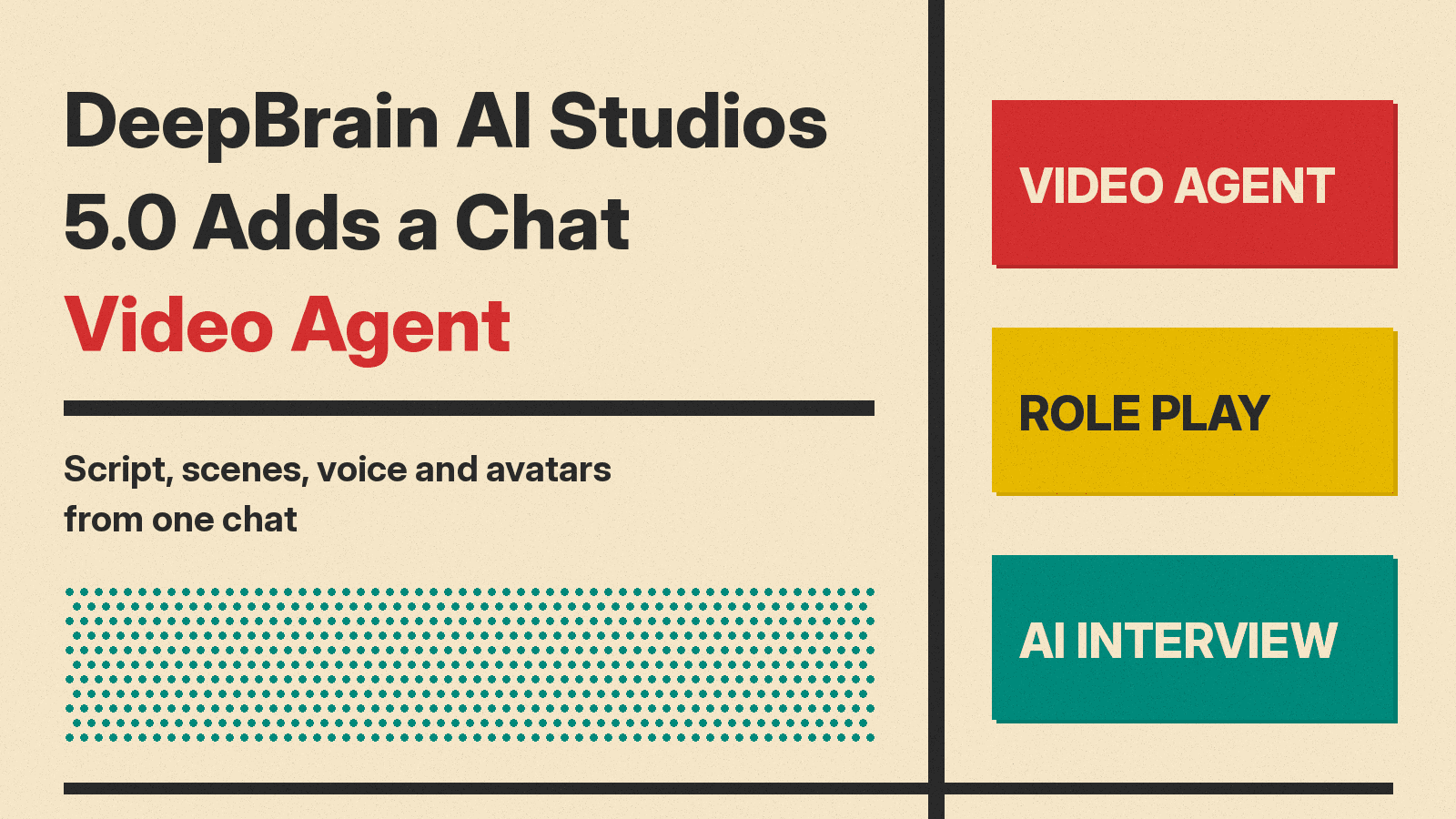
DeepBrain AI, led by CEO Jang Se-young, said on November 9 that it has released AI Studios 5.0, an all-in-one AI video production platform with a chat-based "video agent". According to Korean outlets AI Times and Digital Daily, the agent handles work from video planning to editing through conversation alone. When a user describes the video in a chat or uploads a document, the agent first proposes an outline, meaning a story structure, then combines script, images, generated video, voice and AI avatars to finish the video automatically. The company says planning, scripting, design, narration and editing now sit in one platform, which it claims can cut production time and cost and reduce reliance on specialist staff. The platform is available on the company website to users in Korea and abroad.
What DeepBrain AI launched
Digital Daily lists four example uses for the release: new product promotional videos, YouTube Shorts, internal training material, and policy explainer videos for public agencies. The company help center describes the core promise in one line in What's New in AI STUDIOS 5.0: "Write one line and the agent writes the script, builds the scenes, and adds the voice." Video Agent is found under Apps > AI Generators > Video Agent in the product.
The same help article lists the rest of the 5.0 additions: Role Play, where admins create scenarios and learners practice in My Role Play; Interactive Coaching, where users review video lessons with an AI avatar coach; AI Interview, which lets teams interview candidates with an AI avatar; new character avatars; a renamed Video Avatar; and Dual Avatar scenes. Digital Daily adds a timeline editor with multiple video and audio tracks for finer scene edits.
How Video Agent works
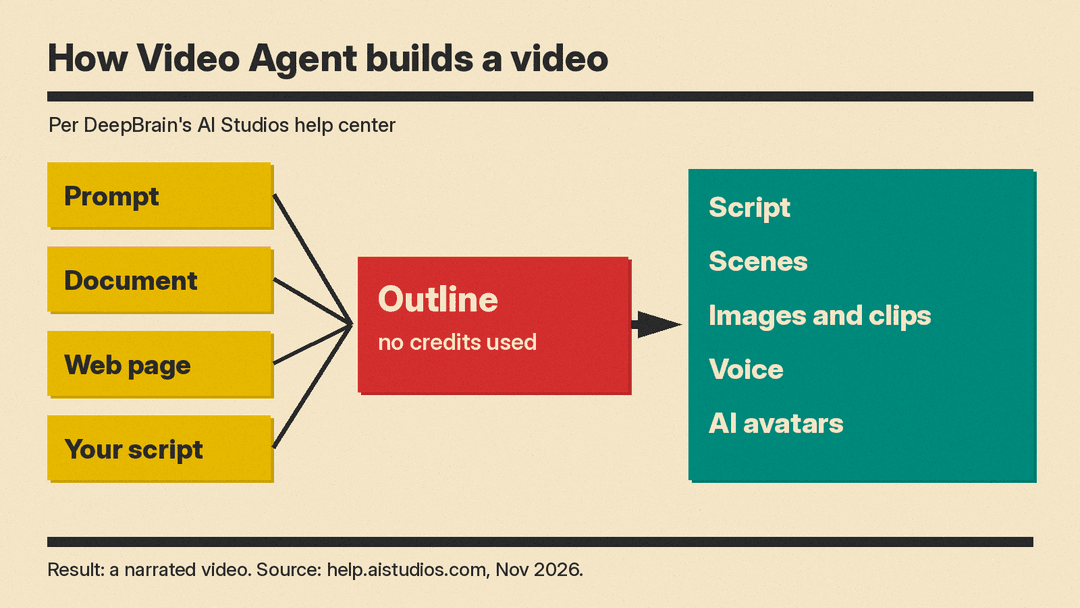
The agent accepts three kinds of input: a document, a web page, or your own script. The help article Make Videos from Documents, Links, and Scripts describes what happens next.
- For documents, the agent asks whether to "Use pages as backgrounds" or to "Extract the content." The first option turns each page into a scene background with narration following that page, and sets the ratio to 16:9. The second summarizes the file into new scenes with generated images and a template.
- Paste a URL and the agent reads the page and writes an outline. A YouTube link on its own offers Download or AI dubbing instead.
- Text counts as a script when it is 300 characters or longer, has two or more paragraphs, or has four or more sentences. Shorter text is treated as a topic.
- Supported files include TXT, MD, CSV, PDF, DOC, DOCX, PPT, PPTX, XLS and XLSX for documents, JPG, PNG and WEBP for images, and MP4, MOV, WEBM and M4V for video.
Planning the outline uses no credits.
Which video and image models it can use
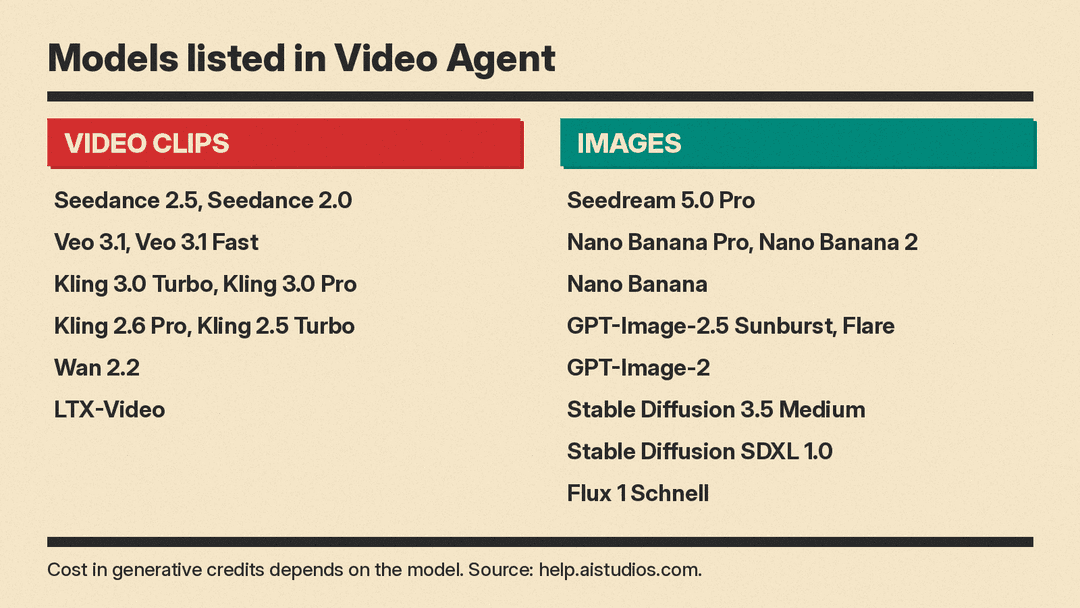
The agent can also generate AI images and short AI video clips. The help article Generate AI Images and Video Clips in Video Agent lists the video clip models as Seedance 2.5, Seedance 2.0, Veo 3.1, Veo 3.1 Fast, Kling 3.0 Turbo, Kling 3.0 Pro, Kling 2.6 Pro, Kling 2.5 Turbo, Wan 2.2 and LTX-Video. Image models listed are Seedream 5.0 Pro, Nano Banana Pro, Nano Banana 2, Nano Banana, GPT-Image-2.5 Sunburst, GPT-Image-2.5 Flare, GPT-Image-2, Stable Diffusion 3.5 Medium, Stable Diffusion SDXL 1.0 and Flux 1 Schnell.
Clip settings cover Length, Resolution and Audio. Seedance has its own composer with Multi-reference, ratio, resolution, length, Audio, and an @ symbol to reference an image. Generated results offer Make again, Edit image or Extend video, and Make a video from this image. If a generation fails, the agent says "No credits were charged." In narrated videos, the "Generative video clip" and "Advanced model" options need a paid plan. Image and clip generations use credits, and the cost depends on the model.
Version 5.0 also changes how AI Studios is billed. DeepBrain's AI STUDIOS Pricing Update article says that from 3:00 PM KST on November 9, 2026, separate time-based billing and generative credits are combined into one credit balance. As of November 9, 2026, the new plans are Free (12 credits on sign-up, and up to 3 watermarked videos a month of up to 1 minute each), Personal at $29 a month or $24 a month billed yearly (700 credits a month), and Team at $69 per seat a month or $55 billed yearly (1,000 credits per seat a month, from 2 seats). Enterprise is priced by contract. Avatar video export uses 9 credits per minute and AI dubbing 3 credits per minute. Existing paid plans keep their terms unless the subscriber switches.
Avatar features for training and hiring
Avatars sit at the center of the training and hiring features. Digital Daily reports that avatars based on real people require identity verification to create, which Digital Daily says lowers the risk of unauthorized use. A character avatar makes a talking video from one photo, and the help center places it under Create Avatar > Photo to Avatar, accepting a photo of a person or a character image such as an illustration or mascot. The former Custom Avatar is now called Video Avatar, created through Video to Avatar. Dual Avatar produces a conversation scene with two avatars, reached through the two-people icon in the editor script panel.
Three conversational products use these avatars. In Role Play (called AI Roleplay in the Korean coverage), a trainer sets the customer's personality and situation, and Digital Daily adds required guidance points, then an AI customer keeps asking questions and raising objections so staff can practice sales and support conversations. After training, the learner gets a score and an analysis report. In AI Interview, an AI interviewer asks follow-up questions based on the applicant's answers, the interview is recorded on video, and per-question evaluation results go to HR staff. In what AI Times calls AI conversational training, learners ask an AI instructor questions, and AI Times says it can be used for university lectures, new-hire training and job training.
Why it matters
The release is one more example of the shift from single-clip generators toward agents that plan and assemble a whole video from many models, a pattern also visible in video AI moving inside agents and in other platforms bundling Kling and other models. The clip list is also notable for what it leaves out. The newest Kling generation is absent, even though Kling 4.0 Flash is now open to all API users. Every clip model listed comes from an outside developer, so in our reading the agent's value is the planning and assembly layer, and the model menu will depend on what DeepBrain chooses to add.
The HR side deserves the same scrutiny as the creative side. AI Interview produces per-question evaluations of job candidates, so buyers should review how those results feed their own hiring policies and records before rollout.
What we don't know yet
The help center does not say how many credits a typical narrated Video Agent video uses in total, and no quality benchmarks or comparisons were published. No English press release was found on DeepBrain's site, so the launch details above come from Korean coverage, and the feature and pricing details from the company help center.
Sources
- AI Times: DeepBrain AI releases AI Studios 5.0 with video agent (Korean, Nov 9, 2026)
- Digital Daily: DeepBrain AI launches AI Studios 5.0 (Korean, Nov 9, 2026)
- AI Studios help center: What's New in AI STUDIOS 5.0
- AI Studios help center: Make Videos from Documents, Links, and Scripts
- AI Studios help center: Generate AI Images and Video Clips in Video Agent
- AI Studios help center: AI STUDIOS Pricing Update
