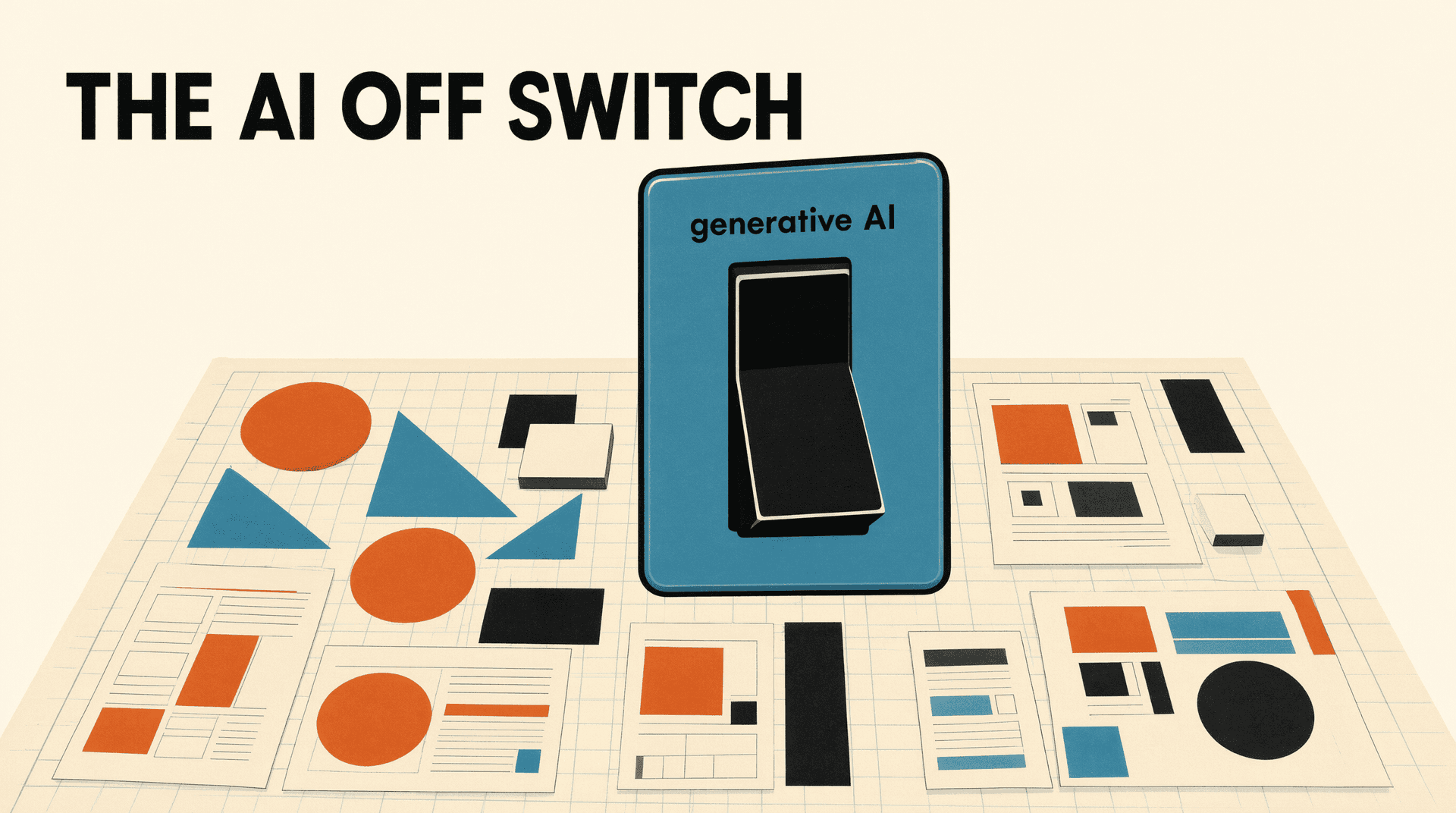
Canva has added a switch that lets users turn off the design platform's generative AI features, a first for a company that has spent three years pushing AI into every corner of its product.
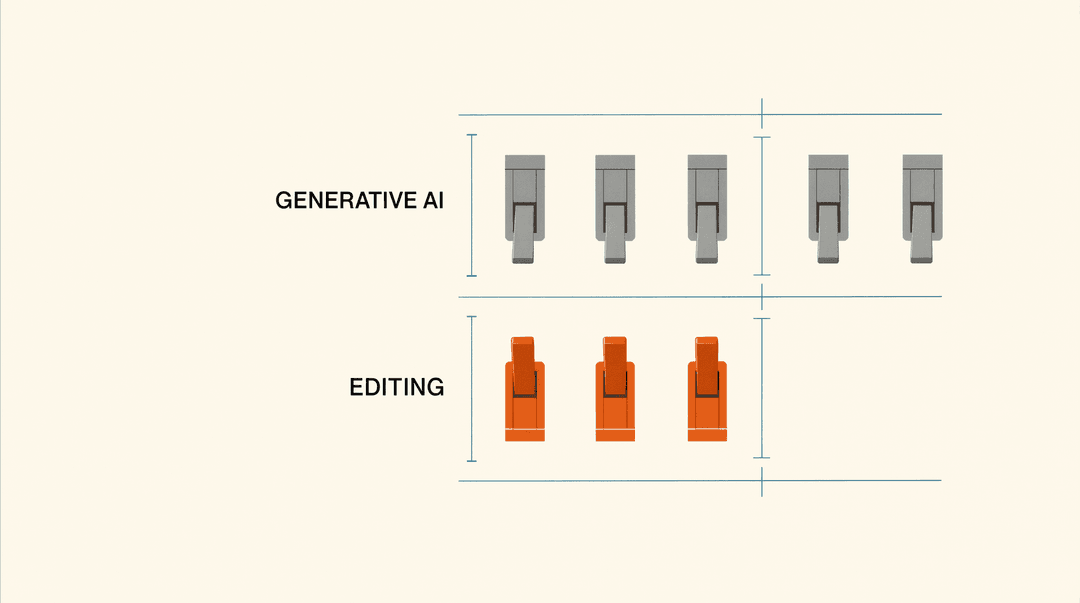
The toggle, available to free and paid users under Profile, Settings and Permissions, disables Canva's generative tools: Magic Write, Magic Design, Magic Expand, Magic Layers, Magic Edit, Dream Lab, Canva Code, AI Shapes, and image generation in the Canva chatbot.
It does not disable every AI feature. The background remover and Magic Grab, which moves objects within an existing image, stay on, because, in Canva's words, they "work only with what's already in a design." The line Canva draws is between generating new content and manipulating content the user made, a distinction that will look familiar to anyone tracking AI labeling debates.
A second switch for the library
Users can also opt to see less AI-generated content in Canva's template and asset library, which surfaces human-created content first when the option is on. Canva says a "small portion" of the library is AI-generated and that designs using those elements carry an AI label in their metadata.
The concession follows persistent user complaints since Canva's AI push began in 2023. The company did not slow down in the interim: it shipped a prompt-powered editing update in April and launched its first in-house AI model, Canva Craft, last month.
The practical read for anyone who depends on design tooling: platform-level AI defaults are now a competitive battleground of their own. Canva kept its generative suite behind an opt-out only after years of friction, which suggests user backlash, not regulation, is what moves consumer creative tools. Expect the opt-out toggle to spread.