Anthropic has introduced an early preview of the /design command inside Claude Code, embedding visual UI prototyping directly into its command-line interface and desktop developer workflows.
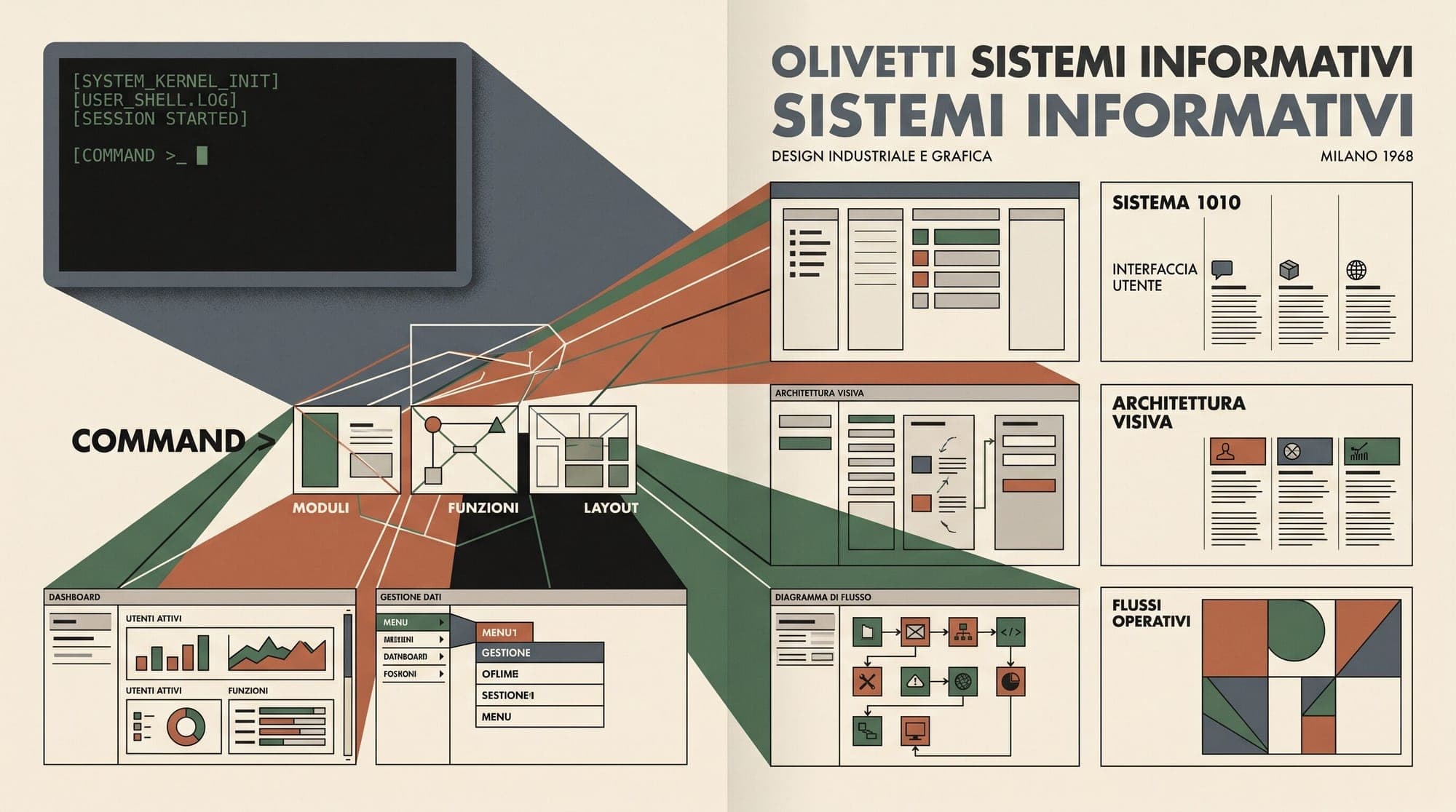
The new command bridges the gap between terminal-based code generation and visual interface design, enabling developers to draft, compare, and modify interactive user interface components before generating frontend implementation code.
In-Terminal Visual Mockups
The /design command allows engineers to initiate mockups directly from the Claude Code prompt by typing /design a few options for {feature}. Rather than generating static CSS or immediate raw component code, the tool generates multiple candidate variations presented as visual artboards within interactive Artifacts.
According to Anthropic product designer Nate Parrott, the tool analyzes the local codebase to match existing interface styles, color tokens, and design conventions:
- Codebase Context Inspection: Claude reads the repository's frontend structure and styling frameworks to ensure new visual drafts align with the project's design system.
- Multi-Variant Generation: The model outputs multiple design alternatives side-by-side as distinct artboards.
- Prompt-Based Adjustments: Users can select individual artboards and refine layouts, copy, or typography using natural language prompts prior to code synthesis.

Integrating Claude Design into Developer Tooling
The feature directly integrates the underlying canvas and prompt engine from Claude Design, Anthropic's browser-based artifact generation tool, into the developer-centric Claude Code CLI and Desktop clients.
In current preview builds, selected artboard configurations carry over into subsequent implementation steps, though developers currently need to save designs manually before proceeding with code generation.
The update is available immediately across Claude Code CLI and Desktop distributions by executing claude update.