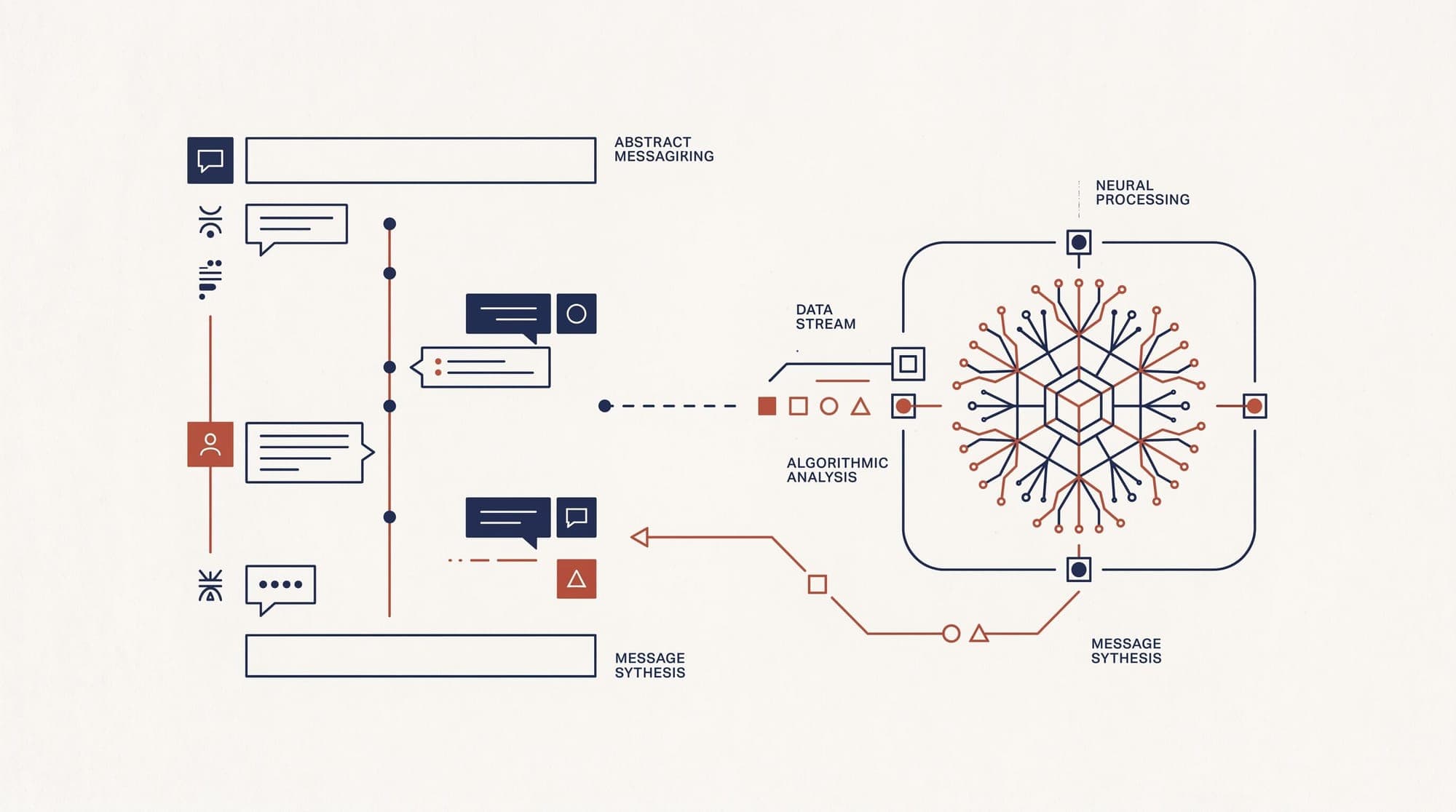
OpenAI has released an official Apple Messages plugin for the ChatGPT desktop application on macOS, enabling the conversational model to interact directly with local message databases across all subscriber tiers, including ChatGPT Work and Codex workspaces.
The integration allows users to query past text records, generate draft responses, and dispatch outgoing iMessage, SMS, and RCS communications directly from the ChatGPT desktop interface.
Architecture and Local Execution
Unlike cloud-bridged messaging connectors that ingest conversation histories into remote databases, the Apple Messages plugin operates entirely on the local host machine. According to OpenAI, the plugin interfaces with the native macOS Messages SQLite store directly on device and does not generate an off-premises index of a user's messaging logs.

The tool acts strictly as a client-side execution endpoint. It cannot be queried remotely through an incoming iMessage to trigger background model runs; all interactions must originate from an active ChatGPT desktop, Codex, or ChatGPT Work session.
Permission Boundaries and Task Automation
To prevent unauthorized message transmission, the integration defaults to explicit per-action confirmation prompts. Every drafted dispatch requires active user approval before the native application sends the text.
However, OpenAI provides configuration flags for persistent approval, allowing automated workflows to send messages autonomously. The documentation notes specific caveats regarding background tasks where suppressed confirmation prompts remove the manual inspection barrier before outbound messages reach contacts.
Users can revoke database access or reset plugin permissions directly within the macOS application settings at any point.