Anthropic has released an integrated, standalone Chromium browser inside its Claude desktop application for Cowork sessions. The feature, rolling out across macOS, Windows, and Linux to paid subscribers on Pro, Max, and Team tiers, provides Claude with an isolated browsing environment decoupled from the user's personal day-to-day web browser.
Previously, web automation within Claude Cowork required users to install the Claude in Chrome extension. While that extension gave the model access to existing browser tabs and active logins, it tied agent operations directly to user workstations. The new integrated browser provides a sandboxed alternative that executes navigation, DOM inspection, form interactions, and data retrieval in a dedicated desktop side panel without interacting with personal browser profiles.

Dual Browsing Modes and Credential Boundaries
Anthropic is maintaining both browsing workflows for distinct use cases:
- Integrated Browser: Acts as an isolated sandbox for general-purpose web tasks, documentation retrieval, and site navigation. It runs independently of user browser sessions, reducing security exposure during untrusted web exploration.
- Claude in Chrome Extension: Remains the supported path for workflows requiring access to open tabs, internal enterprise SaaS consoles, or sessions where the user is already authenticated.
For tasks requiring authenticated access inside the integrated browser, users can import session credentials from external browsers. Due to operating system security models, import support varies by platform:
- On macOS, cookies can be imported from Google Chrome, Microsoft Edge, and Mozilla Firefox.
- On Windows and Linux, cookie imports are restricted to Mozilla Firefox due to platform-level DPAPI encryption and access controls on Chromium credential stores.
Anthropic has implemented hard filters that block the import of credentials for banking domains, primary email services, and single sign-on (SSO) identity providers to limit potential blast radius.
Security and Prompt Injection Controls
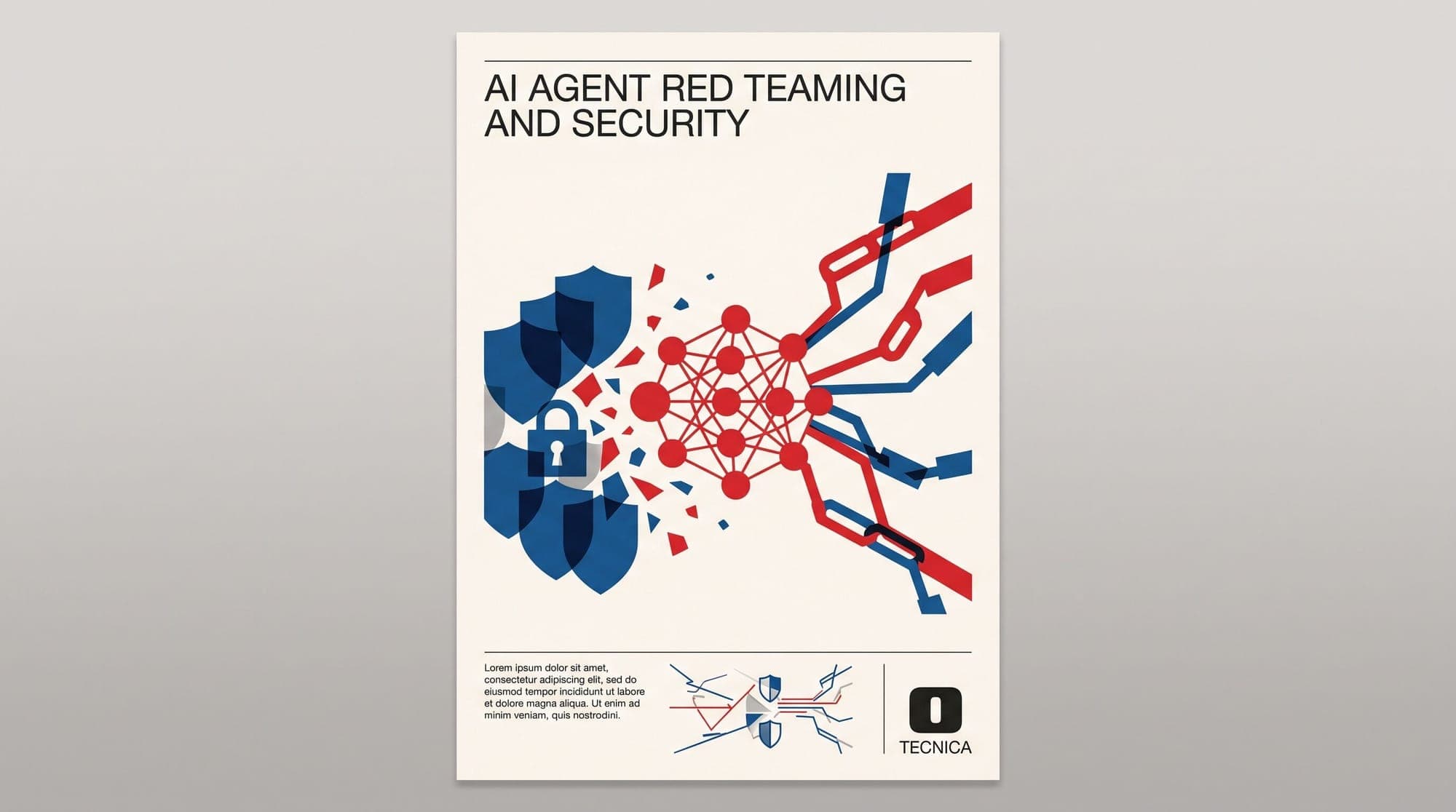
Web browsing by autonomous agents exposes models to untrusted inputs, including indirect prompt injection hidden in third-party HTML, CSS, or script payloads. Anthropic acknowledged that while structural mitigations are in place across both the Chrome extension and the new built-in browser, the risk of prompt injection cannot be completely eliminated.
Isolating the execution environment inside a standalone browser instance ensures that compromised web interactions cannot directly access active session tokens, sensitive local tabs, or broader enterprise dashboards located in the user's primary browser.
Users who have the Chrome extension installed will retain extension-based browsing as their default unless manually adjusted under Claude Desktop settings.