Anthropic has introduced a dedicated built-in browser within the Claude Desktop application for Claude Cowork, replacing the requirement for external browser extensions during automated web tasks.
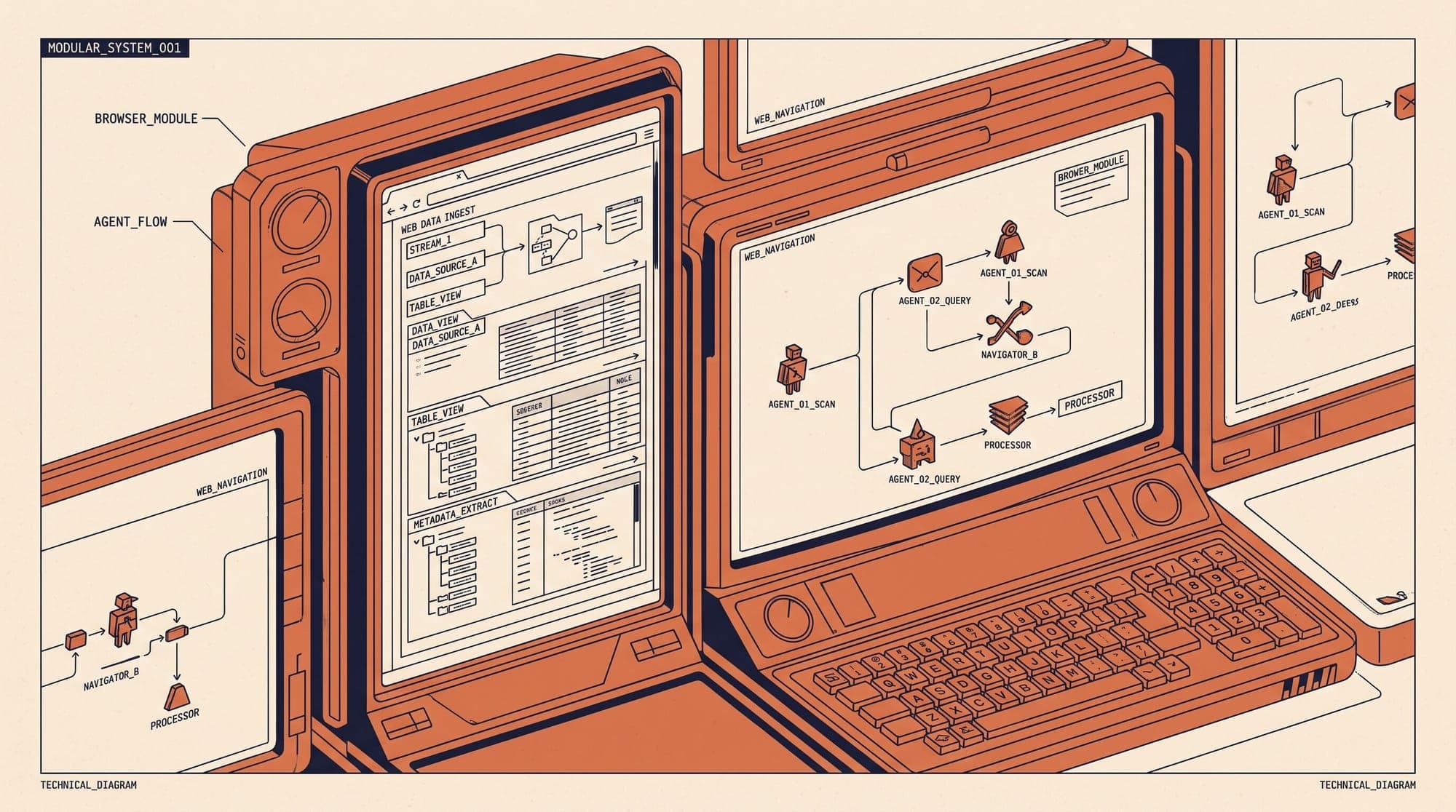
The integrated browser operates in a side panel directly adjacent to Cowork task transcripts on macOS, Windows, and Linux (beta). When an agentic workflow encounters a web target, Claude opens the site, reads rendered document object model (DOM) contents, triggers UI elements, and populates form fields natively without window switching.

Architecture and Isolation Boundaries
Unlike browser extensions that inject execution scripts into an active personal browsing session, Claude's built-in browser runs in an isolated container. The environment does not inherit existing user tabs, browsing history, stored bookmarks, or master credential stores.
To support workflows behind authentication walls without compromising local credential vaults, Anthropic implemented an optional per-domain cookie migration mechanism:
- Granular Cookie Import: Users on macOS can import cookies site-by-site from Chrome, Edge, and Firefox. Windows and Linux builds support cookie import from Firefox. Safari is unsupported.
- Sensitive Domain Safeguards: Financial institutions, primary email providers, and single sign-on (SSO) gateways are excluded by default from bulk selection lists.
- Persistent Session State: Sites authenticated directly inside the Cowork browser maintain local session state across future Cowork runs on the host machine.
Security and Injection Mitigation
Automating arbitrary web interaction exposes agentic models to indirect prompt injection, where untrusted third-party web content attempts to redirect the underlying language model's system directives.
Anthropic pairs the built-in browser with a validation pipeline:
- Explicit First-Visit Confirmation: Claude requires user authorization prior to executing actions on an unfamiliar domain.
- Action Intent Verification: Outgoing browser actions are cross-referenced against the original user prompt before dispatch.
- Domain Blocklists: Automated filtering restricts navigation to verified high-risk endpoints.
Anthropic explicitly advises against directing autonomous browser sessions toward high-value financial interfaces, sensitive medical records, or unregulated data entry pipelines.
Extension Fallback and Availability
The built-in browser is enabled by default for subscribers on Pro, Max, and Team tiers, alongside Enterprise organizations where administrators toggle access. Users requiring in-place page editing can revert the default execution target to "Claude in Chrome" via the desktop application settings.
Remote Cowork tasks initiated through the Claude web interface or mobile clients route directly through the desktop instance's built-in browser whenever the host machine remains online.